Complete guide to secure medical document storage
Learn how to securely store, organize, and access your family's medical records digitally. A step-by-step guide to HIPAA-compliant document management.

Complete guide to secure medical document storage
Imagine rushing to the emergency room with a family member who is unconscious. The doctor asks about current medications, allergies, and past surgeries. You freeze. The records are somewhere at home, maybe in a folder, maybe in a drawer you haven’t opened in years. That moment of uncertainty can delay treatment and put lives at risk. Disorganized or inaccessible medical records are a real and preventable problem. This guide walks you through exactly which documents to store, how to organize and digitize them, which storage solutions to trust, and how to keep everything protected and ready when it matters most.
Table of Contents
- Identifying the essential medical documents you need
- Preparing for digital storage: Gathering and organizing your records
- Selecting the right digital storage solution
- Keeping your digital and physical records safe and disaster-ready
- Why most people overlook the legal and practical gaps in digital medical storage
- Ready to simplify your medical document storage?
- Frequently asked questions
Key Takeaways
| Point | Details |
|---|---|
| Compile essential documents | List and collect all critical medical records, including those for emergencies and special needs, so nothing vital is overlooked. |
| Digitize and organize securely | Convert paper records to digital, use standardized file names, and keep an organized folder structure for quick access. |
| Choose compliant storage | Prefer HIPAA-compliant PHR apps over generic cloud options to enhance legal and data security for your records. |
| Prepare for emergencies | Keep both digital backups and physical copies in disaster-safe locations for continuous access during crises. |
| Review legal gaps | Verify the legal coverage of your digital health apps to avoid compliance gaps and data risks. |
Identifying the essential medical documents you need
Before you can store anything securely, you need to know what belongs in your medical file. Many people underestimate how many documents qualify as essential. A complete medical record goes far beyond a single doctor’s note.
Here are the core documents every individual and family should store:
- Doctor visit summaries and clinical notes from primary care and specialist appointments
- Prescription records including current and past medications, dosages, and prescribing providers
- Lab and test results such as blood panels, imaging reports, and pathology findings
- Vaccination records for every family member, including boosters and travel vaccines
- Allergy lists with documented reactions and severity levels
- Emergency contacts and designated healthcare proxies
- Health insurance cards and policy documents including coverage details and claim history
- Advance directives and living wills that outline care preferences
- Guardianship documents for minor children or dependents with special needs
Each of these serves a specific purpose. Vaccination records matter for school enrollment and international travel. Allergy lists can prevent dangerous drug interactions in an emergency. Advance directives ensure your wishes are followed if you cannot speak for yourself.
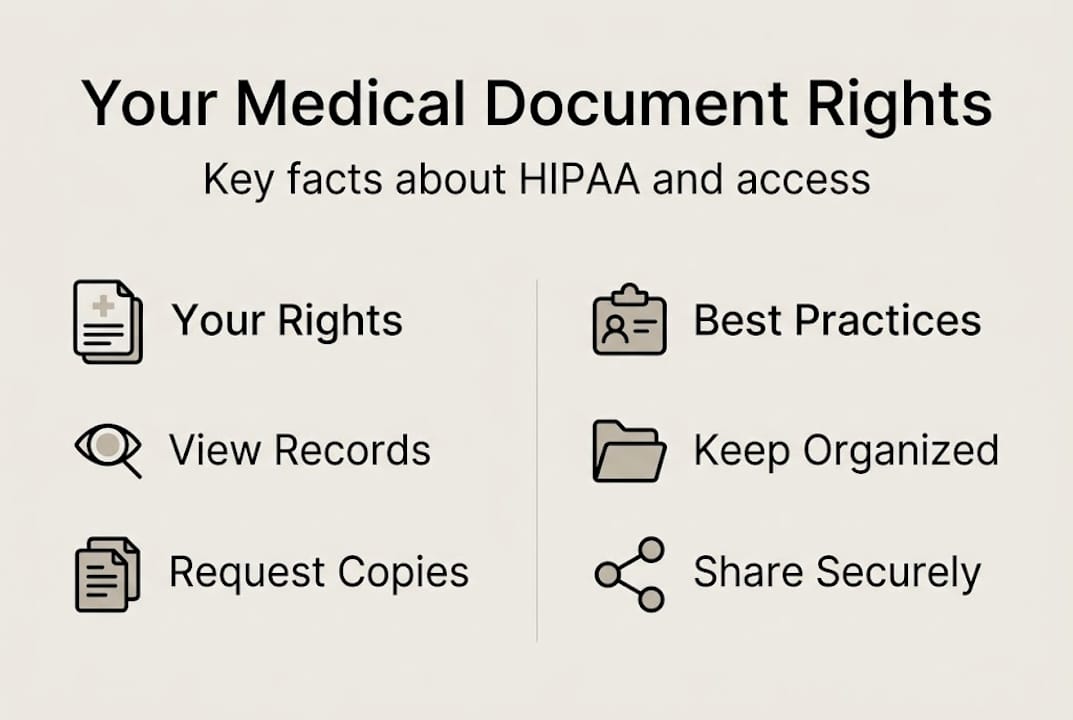
You have a legal right to all of this information. HIPAA grants individuals the right to access and obtain copies of their health records from any covered provider. Most providers must respond within 30 days. Use that right.
Here is a quick-reference checklist to track what you have and what you still need to request:
| Document type | Do you have it? | Last updated |
|---|---|---|
| Doctor visit summaries | Yes / No | __________ |
| Prescription records | Yes / No | __________ |
| Lab and test results | Yes / No | __________ |
| Vaccination records | Yes / No | __________ |
| Allergy list | Yes / No | __________ |
| Insurance documents | Yes / No | __________ |
| Advance directives | Yes / No | __________ |
Pro Tip: Add advance directives and guardianship documents to your file now, not later. These are the documents most families forget until they are urgently needed. Storing them alongside your standard health records in a secure medical document storage platform ensures they are always accessible.
Preparing for digital storage: Gathering and organizing your records
Once you know what documents to collect, the next step is gathering and organizing them for a seamless move to digital storage. This phase takes effort upfront but saves significant time and stress later.
Start by identifying where your records currently live:
- Primary care provider offices, where visit summaries and referrals are kept
- Specialist offices such as cardiologists, dermatologists, or orthopedic surgeons
- Hospitals and urgent care centers where discharge summaries and procedure notes are stored
- Patient portals like MyChart or athenahealth, which often hold years of digital records
- Insurance company portals for claims history and explanation of benefits documents
- Your own home files including paper records, old prescription bottles, and vaccination booklets
Individuals can request electronic copies of their records for easier management. Most patient portals let you download PDFs directly. For providers without portals, submit a written records request. It is free in most cases.
For paper records, you have two solid options for digitizing them:
| Method | Best for | Cost | Quality |
|---|---|---|---|
| Flatbed scanner | Multi-page documents, high resolution | Low to medium | Excellent |
| Smartphone scanning app | Quick captures, single pages | Free | Good |
| Office print/scan service | Large volumes | Per page fee | Very good |
Once digitized, organize your files consistently. Use clear folder names like “Lab Results 2025” or “Prescriptions Active.” Name files with dates and document types, for example “2025-11-BloodPanel-Results.pdf.” This naming convention makes searching fast and intuitive.
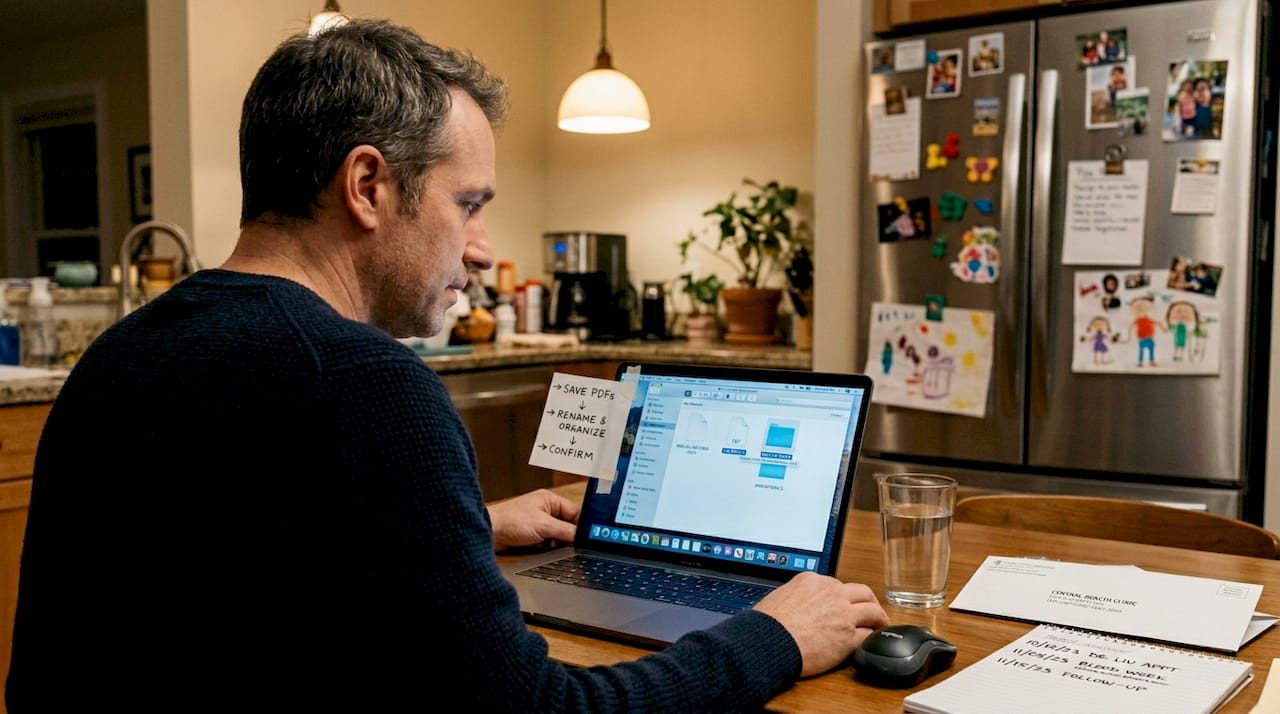
For families managing multiple members’ records, it helps to know how to disaster-proof documents so nothing critical is lost in a crisis.
Pro Tip: Build a master index spreadsheet that lists every document, its file name, the provider it came from, and the date. This single reference file can save you minutes during a stressful emergency when you need to locate something fast.
Selecting the right digital storage solution
With your records ready, it is time to choose a secure, reliable digital storage method that fits your needs. Not all storage options are equal, especially when it comes to protecting sensitive health data.
General cloud services like Google Drive or Dropbox are convenient, but they are not designed for medical records. They lack built-in HIPAA compliance and may not offer the health-specific organization features you need. A personal health record (PHR) app is purpose-built for this use case.
Key features to look for in any storage solution:
- End-to-end encryption so data is protected in transit and at rest
- Multifactor authentication (MFA) to prevent unauthorized access
- Automatic document organization that sorts records by type or date
- Secure sharing with providers and family members
- Emergency access features that allow quick retrieval without logging in through multiple steps
Important: Not all PHR apps are covered by HIPAA. If a consumer manages the app independently without a provider’s involvement, the app may not be legally required to follow HIPAA rules. Always verify whether the service signs a Business Associate Agreement (BAA) before trusting it with sensitive health data.
Some recommended HIPAA-compliant PHR apps for individuals and families include PicnicHealth, Seqster, Capzule, FollowMyHealth, and Sync.MD. Each offers different strengths in terms of integrations, family profiles, and pricing.
| App | HIPAA-compliant | Family profiles | AI features | Free tier |
|---|---|---|---|---|
| PicnicHealth | Yes | Limited | Yes | No |
| Seqster | Yes | Yes | Yes | No |
| Capzule | Yes | Yes | No | Yes |
| FollowMyHealth | Yes | Yes | No | Yes |
| MedFiles.ai | Yes | Yes | Yes | Yes |
For physical backup, keep a printed set of your most critical documents in a waterproof and fireproof safe at home. A go-bag with copies of insurance cards, medication lists, and emergency contacts is also worth preparing. Explore an overview of secure digital solutions to see how modern platforms handle this automatically.
Keeping your digital and physical records safe and disaster-ready
Choosing a strong storage solution is only effective if your records stay protected and ready during real-life challenges. Security is not a one-time setup. It requires ongoing attention.
For digital safety, follow these steps:
- Enable end-to-end encryption in your chosen app or cloud service settings
- Use a password manager to generate and store strong, unique passwords for every health account
- Activate MFA on every account that holds medical data
- Schedule regular backups to a secondary location, such as an encrypted external drive
- Review app permissions quarterly to remove access from services you no longer use
For physical safety, keep these items in a waterproof and fireproof safe or a dedicated go-bag:
- Printed medication list with dosages
- Insurance card copies
- Emergency contacts and proxy designations
- Vaccination records for each family member
- A USB drive with encrypted digital copies
Disaster preparedness means more than just storing documents. It means knowing how to access them quickly under pressure. Practice retrieving key records on your phone or app so the process is familiar before an emergency occurs.
Emerging technologies for PHRs such as blockchain-based storage and AI-assisted organization are making records even more secure and accessible. These tools are worth watching as the space evolves.
Pro Tip: Write out simple emergency access instructions and share them with a trusted family member or close contact. Include login steps, the location of physical backups, and which documents are most critical. This small step can make a major difference when someone else needs to act on your behalf.
Why most people overlook the legal and practical gaps in digital medical storage
Here is something most storage guides skip: having a secure app does not automatically mean you are legally protected. Many people assume that any health app they download is covered by HIPAA. That assumption is often wrong.
Not all PHRs are HIPAA-covered when consumer-managed independently. If a provider does not offer the app directly, the service may operate outside HIPAA’s reach. That means your data could be shared or sold without the legal protections you expect. Always ask whether the provider signs a BAA.
We have also seen families lose access to critical records during hurricanes and wildfires because they relied solely on digital storage with no physical backup. The opposite failure happens too: families with only paper records lose everything in a flood.
The answer is redundancy. Use a trusted platform for secure medical document storage as your primary system, and maintain a physical backup for emergencies. Verify your agreements. Share access instructions with family. These steps take less than an hour to set up and can prevent serious care delays when time is critical.
Ready to simplify your medical document storage?
You now have a clear path from scattered paper files to a fully organized, secure, and accessible medical record system. The next step is putting it into practice.

MedFiles.ai digital storage makes this process simple. Upload your documents, and the platform automatically organizes them by type and date. Share records instantly with any provider or family member. Access everything from your phone during an emergency or while traveling. MedFiles.ai uses HIPAA-ready infrastructure with end-to-end encryption, supports multi-profile management for your whole family, and includes AI-powered analysis to surface key health insights. Start protecting your family’s health information today.
Frequently asked questions
What is the safest way to store medical documents digitally?
Use a HIPAA-compliant PHR app such as PicnicHealth, Seqster, or Capzule with end-to-end encryption and multifactor authentication enabled for maximum safety.
Are cloud storage services like Google Drive or iCloud safe for medical records?
They can work with strong passwords and encryption settings, but HIPAA-compliant apps offer greater legal protection and purpose-built features for sensitive health information.
Do I need to keep physical copies of my medical records?
Yes. Store essential documents in a waterproof and fireproof safe or a go-bag so you can access them when digital options are unavailable during a disaster.
Are all personal health record apps HIPAA-compliant?
No. Not all PHRs are covered by HIPAA if they are consumer-managed. Always confirm the provider signs a Business Associate Agreement before storing sensitive health data.
How often should I update my digital medical records?
Update your records after every significant medical visit or at least once per quarter to ensure your information stays accurate and current.