Digitize healthcare documents easily: step-by-step guide
Learn how to digitize, organize, and secure your family's healthcare documents step by step. Use HIPAA-ready apps and smart workflows for instant access.
Digitize healthcare documents easily: step-by-step guide
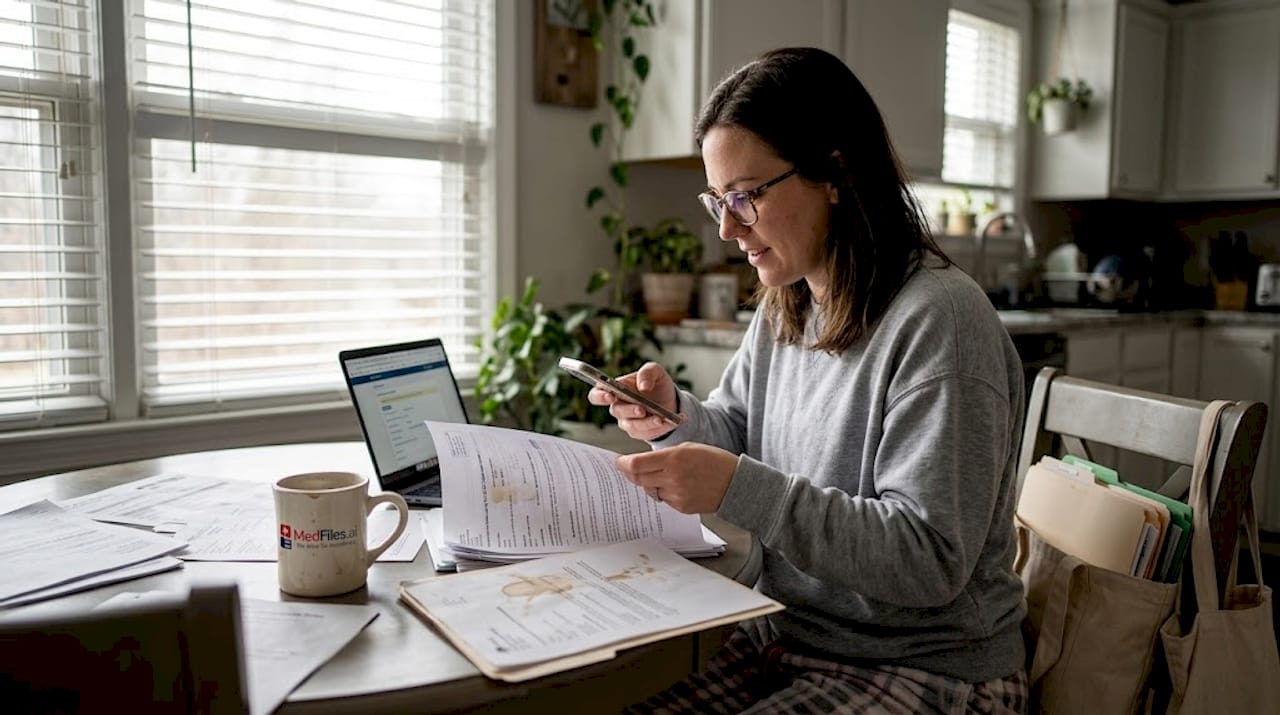
Searching for a lab result at midnight before a surgery is a feeling no one should have to experience. Yet millions of families deal with missing, scattered, or damaged paper records every year. The good news: digitizing your healthcare documents takes less time than you think, and the payoff is enormous. Better access, easier sharing with doctors, and peace of mind during emergencies. This guide walks you through everything, from gathering your papers to building a secure, organized digital archive that works for your whole family.
Table of Contents
- What you need to get started
- Step-by-step: How to digitize each document
- How to organize and secure your digital files
- Verifying and managing your digitized records for the future
- What most guides miss about digitizing healthcare documents
- Next steps: Simplify your digital healthcare with MedFiles.ai
- Frequently asked questions
Key Takeaways
| Point | Details |
|---|---|
| Start with essentials | Gather your most recent and important healthcare documents before digitizing. |
| Use secure tools | Choose platforms and apps with strong security and privacy features like HIPAA compliance and encryption. |
| Follow clear steps | Digitize, organize, verify, and back up every record to ensure reliability and accessibility. |
| Human review matters | Always check digital files for accuracy and update them as needed—don’t rely on technology alone. |
| Keep backups | Maintain additional copies of your files to prevent data loss and ensure continuous access. |
What you need to get started
Before you scan a single page, take stock of what you have. The benefits of digital records go far beyond just saving space. You gain instant access, the ability to share securely with providers, and a backup that won’t be destroyed by a flood or fire.
Start by gathering these key documents for every family member:
- Recent lab results and bloodwork
- Prescription lists and pharmacy records
- Immunization records and vaccination cards
- Diagnosis letters and specialist reports
- Imaging results (X-rays, MRIs, ultrasounds)
- Insurance cards and explanation of benefits statements
- Surgical histories and discharge summaries
Next, decide on your main goal. Are you focused on quick access during emergencies? Sharing records easily with a new specialist? Building long-term storage for your family’s health history? Your goal shapes which tools work best for you.
You’ll need at least one of these devices:
- A smartphone with a decent camera (most modern phones work great)
- A flatbed scanner for older or fragile documents
- A computer or tablet for organizing and uploading files
Here’s a quick comparison of top apps for patients and caregivers:
| App | Key feature | HIPAA-compliant | Best for |
|---|---|---|---|
| Sync.MD | AI OCR, camera scan, sharing | Yes | Full record management |
| Ayu | Step-by-step home scanning | Yes | Beginners |
| Soka | Digital archive guidance | Yes | Long-term storage |
| CareClinic | Document storage with OCR | Yes | Chronic care tracking |
| Guava | AI summarization | Yes | Quick record summaries |
These top patient apps each bring something different to the table, so choosing one depends on your specific needs.
Pro Tip: Don’t try to scan everything at once. Start with the most recent records or the ones you use most often. Momentum matters more than perfection.
Step-by-step: How to digitize each document
With your tools ready, here’s how to digitize every type of record, step by step.
- Sort documents before scanning. Group papers by family member, then by type (labs, prescriptions, imaging). This prevents mixing files and makes the upload process far faster.
- Clean your scanner glass or camera lens. Smudges cause blurry scans. A clear image is non-negotiable for readable records.
- Use your chosen app’s camera or scanner mode. Open the app and follow its scanning prompts. Most modern apps auto-crop and adjust lighting for you.
- Enable OCR (optical character recognition). OCR converts scanned text into searchable digital text. This makes finding specific records much easier later. Nearly every recommended app includes this feature built in.
- Check every scan before moving on. Zoom in to confirm all text is legible, all pages are included, and no corners are cut off.
- Save and label each file immediately. Don’t let files pile up unlabeled. Name them as you go.
- Use batch mode when scanning multiple similar documents. Many apps let you scan several pages in one session, which dramatically speeds up the process for thick files.
The key expert insight on digitizing is this: prioritize recent documents first, use AI for efficiency, but always apply human review for accuracy. AI can misread handwriting or unusual formatting.
Before discarding any paper record, verify the digital copy is fully legible, complete, and saved in at least one secure location. Once paper is gone, it’s gone.
Pro Tip: Use batch scan mode for multi-page documents like hospital discharge summaries. It saves serious time and keeps all pages together automatically.
Building a solid family records workflow from the start means fewer headaches as your archive grows.
How to organize and secure your digital files
Once records are digitized, keeping them safe and organized is just as important as the scanning itself.
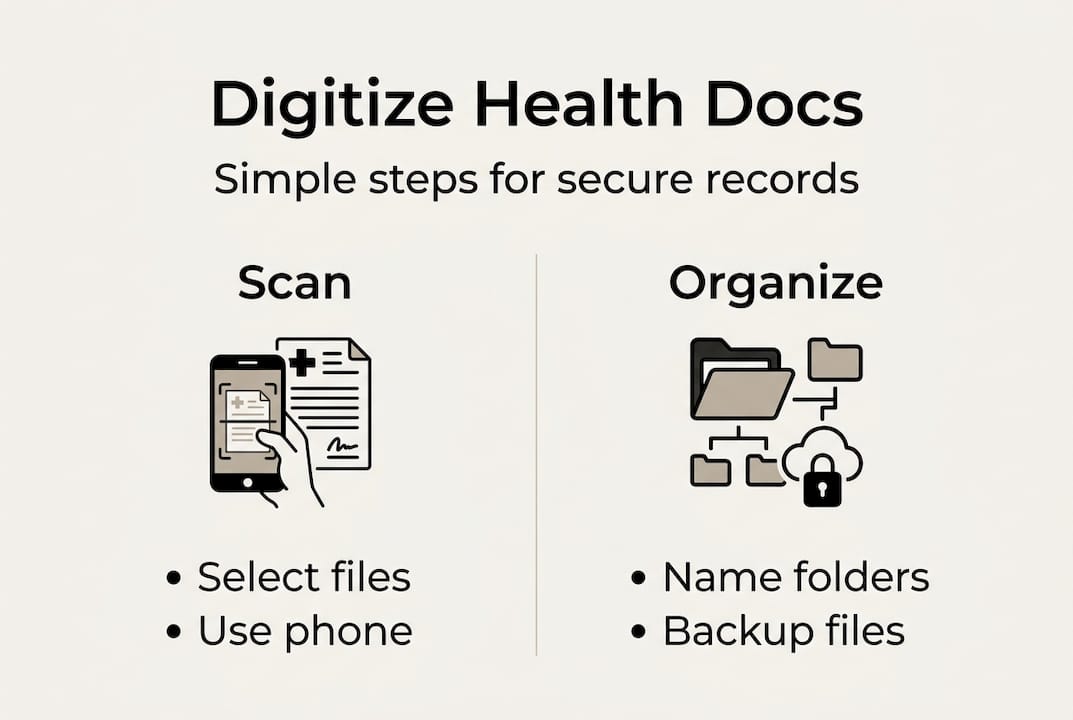
Start with a consistent file naming system. Use this format: FamilyMember_DocumentType_Date (for example, Maria_BloodTest_2026-03). This makes searching fast and removes all ambiguity about what a file contains.
Organize your folders like this:
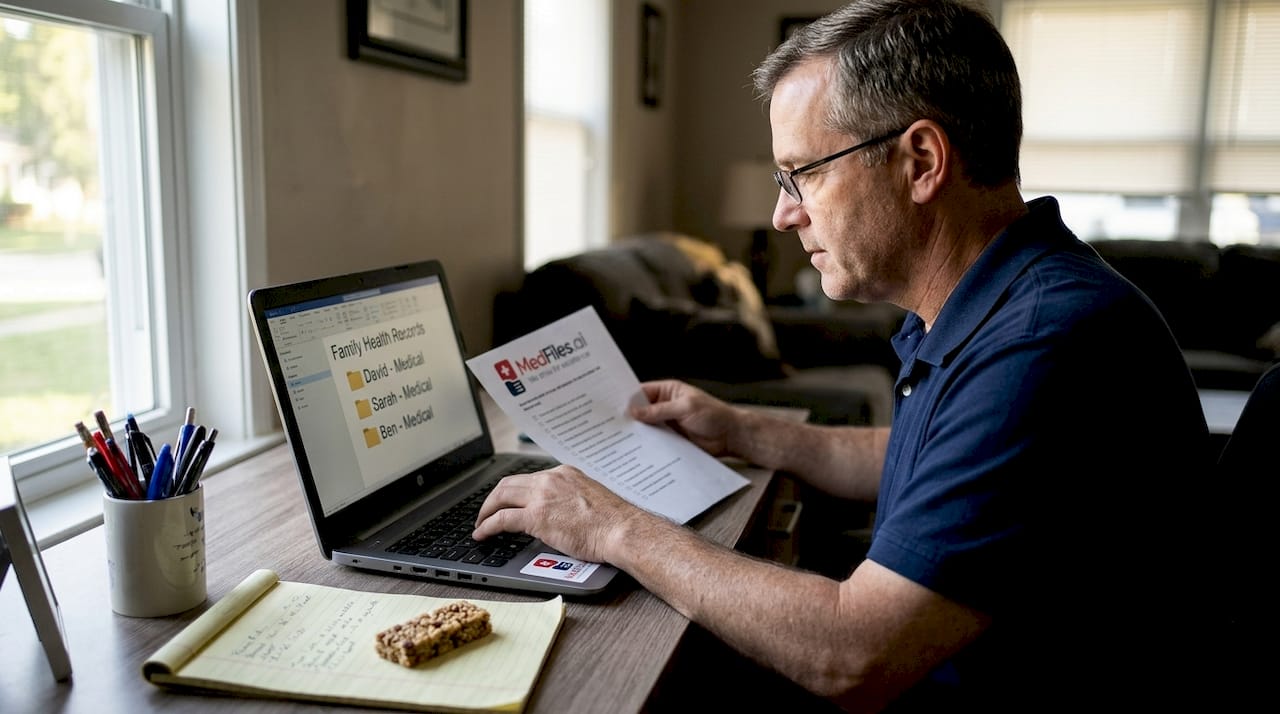
- One main folder per family member
- Inside each folder: subfolders by category (Labs, Prescriptions, Imaging, Visits, Insurance)
- Add a shared folder for documents that apply to the whole family (insurance policies, vaccination records)
Did you know? Many apps now use AI and machine learning to automatically categorize and summarize uploaded records. This cuts manual organizing time significantly and helps surface important trends in your health data.
Security is where most people cut corners. Don’t. Follow these rules:
- Choose apps that use encryption and access controls at rest and in transit
- Use a strong, unique password for your health record app and storage account
- Enable two-factor authentication wherever possible
- Never email sensitive health files without encryption
- Use a password manager to avoid reusing passwords
Here’s how leading platforms compare on key security features:
| Feature | What to look for | Why it matters |
|---|---|---|
| Encryption at rest | AES-256 standard | Protects stored data |
| Encryption in transit | TLS protocol | Protects data during transfer |
| Access controls | Role-based permissions | Limits who sees what |
| Sharing policies | No third-party data selling | Keeps your data private |
| Password protection | Mandatory, not optional | Prevents unauthorized access |
For guidance on secure document storage and how to organize family records securely, these deep-dive resources walk through every detail. Note: patients are not directly covered by HIPAA regulations, but using HIPAA-ready apps is still the gold standard for protecting your personal health information.
Verifying and managing your digitized records for the future
With everything in place, ongoing management ensures long-term value and accessibility.
Digitizing once is not a set-it-and-forget-it task. Records go stale. New diagnoses, updated prescriptions, and recent test results need to be added regularly. Your digital archive is only as useful as it is current.
Here’s a simple audit process to follow every six months:
- Review all records for completeness. Are recent visits, labs, and prescriptions uploaded? Are any documents missing for family members?
- Check file readability. Open random files and confirm they’re still legible and not corrupted.
- Update diagnoses and medication lists. If something changed, update the relevant documents immediately.
- Verify your backup is working. Confirm your cloud backup ran recently, and check that a local copy (external hard drive or USB) is also up to date.
- Review sharing permissions. Make sure only authorized providers or family members have access to your records.
- Remove outdated or duplicate files. A clutter-free archive is a faster, more useful one.
The core principle of accurate records applies here too: AI tools are excellent for spotting trends and flagging incomplete data, but a human review catches context that algorithms miss.
Pro Tip: Set a recurring calendar reminder every six months labeled “Health Records Review.” Treating it like a routine checkup keeps your archive accurate and ready whenever you need it.
When sharing records with a provider or family member, use your app’s built-in secure sharing features. Never share sensitive files through regular email or text. Learn more about long-term digital archive management for best practices that hold up over time.
What most guides miss about digitizing healthcare documents
Most step-by-step guides treat digitizing as a purely technical task. Scan, upload, done. But there’s a crucial piece that gets overlooked: your system only works if you can actually use it under pressure.
Here’s a real test. If you can’t find a specific record within 30 seconds, your organization system needs work. Speed of access during a crisis is the whole point. A beautifully named archive that’s three subfolders deep fails you when your hands are shaking in an emergency room.
There’s also too much trust placed in automation. AI-powered OCR and auto-categorization are genuinely useful tools. But they make mistakes, especially with handwritten notes, faded ink, or unusual formatting. A doctor’s handwritten prescription misread by an algorithm can cause real problems. Regular human review is not optional. It’s essential.
And here’s the forward-looking reality: AI will increasingly supplement proper medical document management by flagging gaps, identifying patterns, and suggesting updates. That’s exciting. But the most important layer will always be you, actively maintaining and verifying your own records. Technology is a tool. You are the steward of your family’s health history.
Next steps: Simplify your digital healthcare with MedFiles.ai
You now have a clear roadmap. The right platform makes every step easier, faster, and more secure.

MedFiles.ai is built specifically for patients and caregivers who want a smarter way to manage health records. It offers HIPAA-ready infrastructure, end-to-end encryption, AI-powered organization, and multi-profile support so your whole family stays covered. You can store everything from lab results to imaging in one place, share securely with any provider, and access your records instantly at home or on the road. Explore plans for patients and find the tier that fits your needs, or review MedFiles.ai pricing to get started today. Your health history deserves to be protected and ready.
Frequently asked questions
What’s the safest way to digitize and store healthcare records?
Use HIPAA-compliant apps with encryption at rest and in transit, set strong unique passwords, and enable two-factor authentication to keep your health records private and fully protected.
Are AI tools safe and accurate for healthcare document management?
AI tools help organize records and surface useful trends, but always review AI-processed documents yourself, since human oversight catches errors that automated systems can miss.
What if I lose access to my cloud storage or app?
Regularly back up your digitized files to a secondary location, such as an external hard drive or a second cloud service, so you never lose critical medical information if one platform goes down.
Do I need to keep paper copies after digitizing my records?
Keeping originals of highly critical documents is a smart precaution, but clear, complete digital copies are fully suitable for day-to-day access and sharing with healthcare providers.
Can I digitize health records for family members under my care?
Yes. You can create separate profiles, scan and organize records for children, elderly parents, or anyone you support, as long as you follow privacy best practices and use a secure, access-controlled platform.