Top 5 Alternatives to themedical.io for 2026
Explore the top 5 themedical.io alternatives for managing digital health records. Find the best option for your needs in 2026.
Top 5 Alternatives to themedical.io for 2026
Losing control of medical history and struggling to organize records for your family or pets creates confusion and risk. Most platforms limit approvals, restrict family profiles, or require opaque pricing with no clear storage or sharing options. This comparison covers approval workflows, family and pet profile support, and transparent pricing so you can choose a medical record manager that protects your files and fits your household.
Table of Contents
Medfiles
At a Glance
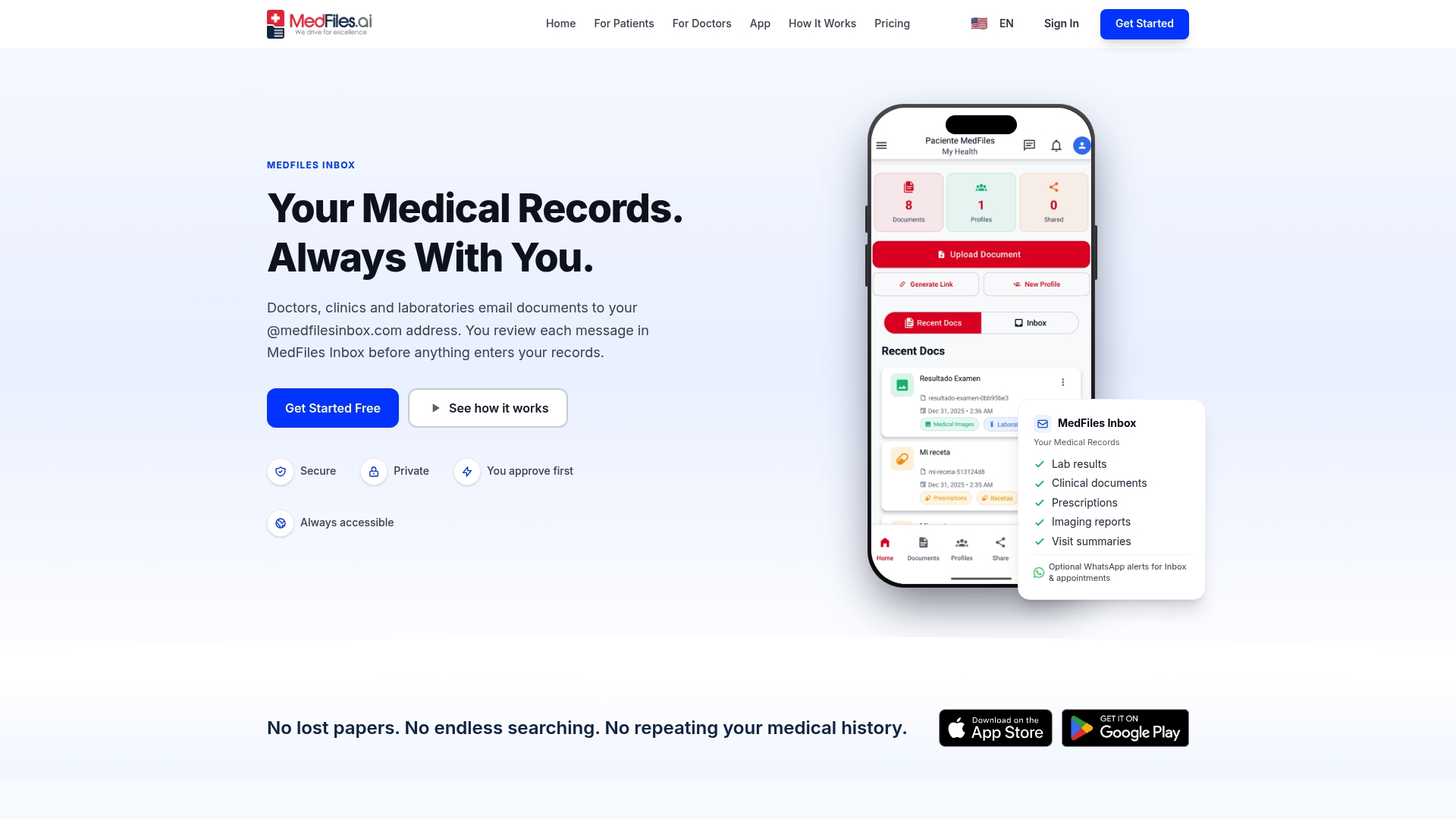
User review and approval is required before provider documents are stored. That gives you final control over what enters your archive and creates a clear confirmation step for every incoming file. The platform also supports family and pet profiles, making it practical for households that manage multiple medical histories.
Core Features
Medfiles stores test results, prescriptions, reports, and medical images in a single web and mobile archive while applying AI-powered classification to organize uploads automatically. The vendor states it follows HIPAA and GDPR standards and uses end-to-end encryption for stored and transmitted files. Sharing uses permissioned links so you can grant or revoke provider access, and optional WhatsApp alerts notify you of new documents or appointments.
Key Differentiator
The standout mechanism is the User review and approval workflow for incoming documents. Providers can send files, but the person linked to the account must approve each item before it is saved. That moves default control to the patient or family account holder rather than the sender.
Pros
Medfiles reduces the risk of lost medical history by consolidating paper and scattered electronic records into one place. You can access records on web or mobile devices, which helps when you travel or need files in an emergency. Permissioned sharing and the approval workflow give clear control over who sees what, and family profile support lets one account manage multiple people and pets while preserving separate record sets.
Cons
- Limited free storage. The free plan holds up to five documents, so larger families will likely need a paid tier for practical use.
Notable Integrations
- Email forwarding from healthcare providers so documents arrive automatically.
- WhatsApp alerts for optional notifications about uploads and appointments.
Who It’s For
People and families who want a locked-down digital archive of their medical records will get the most value. Caregivers managing records for children, older relatives, or pets will appreciate multi-profile controls. Anyone who prefers to approve provider-sent documents before they are stored benefits from this workflow.
Unique Value Proposition
Requiring you to approve each incoming provider document changes the default data flow. That approach reduces accidental saves, creates a simple audit step, and fits families who want explicit consent before records are added. For households juggling multiple profiles, it turns document intake into a controlled, reviewable task.
Real World Use Case
A family of four uses Medfiles to collect lab results, vaccination records, and imaging reports in one account. Parents approve each provider upload, receive WhatsApp alerts for new items, and send permissioned links to specialists before appointments. The system keeps files accessible during travel and in emergencies.
Pricing
Free to start, with paid plans from $2.49/month for individual users up to $9.99/month for larger family plans. Annual billing offers discounts for longer commitments. Paid tiers increase storage, analysis, and sharing capacity for multi-profile households.
Website: https://medfiles.ai
Sync.MD
At a Glance
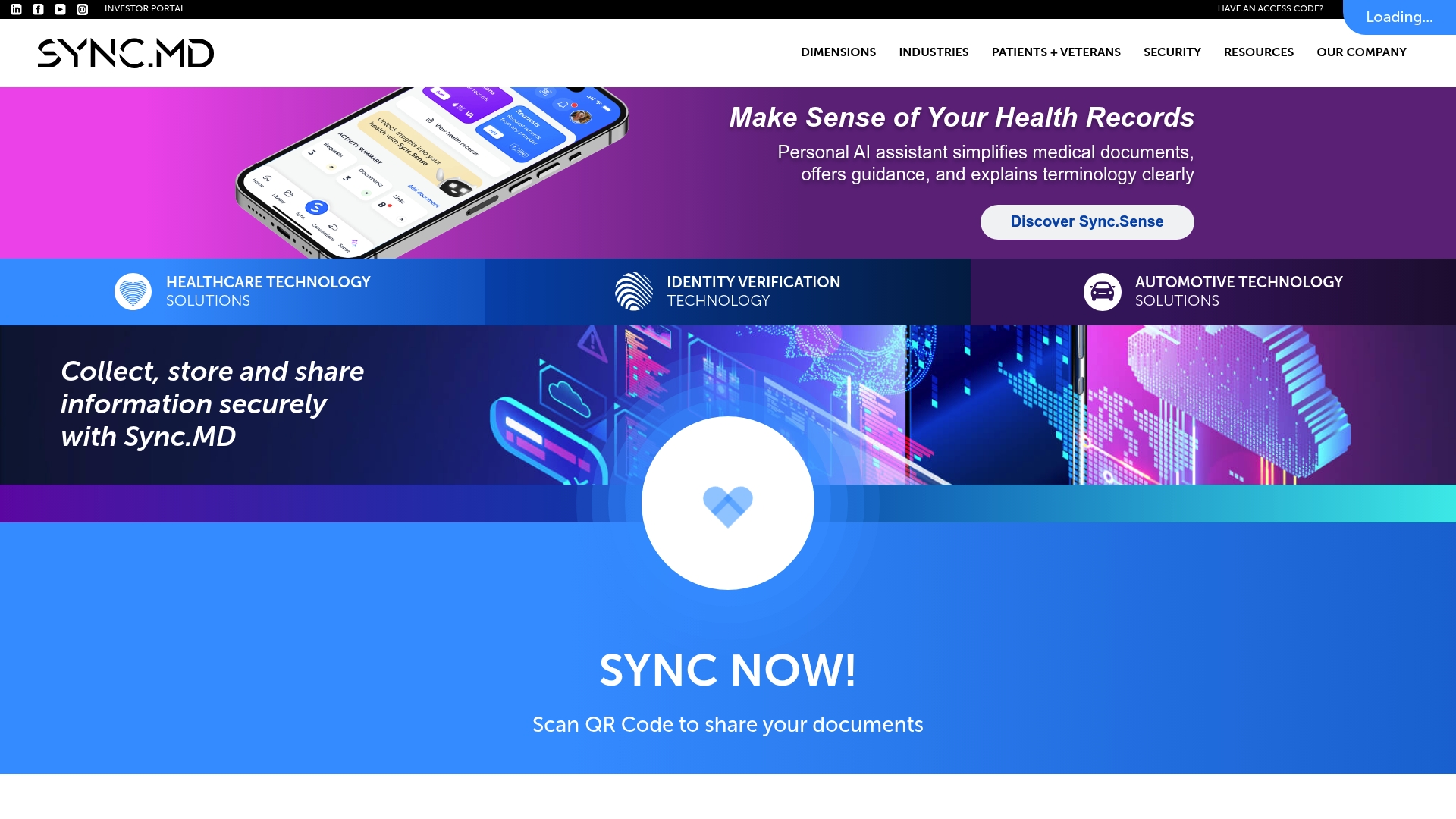
Sync.MD reports patented transmission and storage methods hosted on Microsoft Azure. That vendor claim highlights the platform’s emphasis on enterprise-grade security and cloud hosting. The product bundles health record handling, identity verification, e-signatures, and customizable electronic forms into a single workflow.
Core Features
The platform centralizes health records, identity verification, and secure document exchange while letting organizations build and send custom e-forms. Mobile-friendly tools include QR code sharing and biometric-capable signatures to speed intake and consent on the go. Patented encryption and Azure hosting anchor the product’s approach to secure transmission and storage.
Key Differentiator
Sync.MD’s standout claim is its patented security methods combined with Microsoft Azure hosting. That security claim positions the product for organizations with strict data control needs. The vendor frames these elements as the primary reason enterprise customers choose the platform.
Pros
High security shows up in the platform’s patented methods and its use of Microsoft Azure hosting, which the vendor emphasizes for compliance and uptime. Customizable electronic forms and ID scanning let teams replace paper workflows and reduce manual intake. The mobile-first features, including QR code sharing and digital signatures, make it practical for clinics, field teams, and legal offices to collect and verify records remotely.
Cons
-
Limited third-party review data on usability or support quality. That lack of public feedback makes real-world expectations harder to gauge.
-
Potential complexity for small-scale users. The platform’s enterprise features may require technical setup and administrative overhead.
-
No detailed public pricing. The vendor does not publish clear plans, which could lead to unexpected costs for smaller organizations.
When It May Not Fit
Small clinics or solo practitioners may find the platform heavier than their needs. The product’s enterprise orientation can increase setup time and vendor engagement. Organizations that need transparent, public pricing may prefer alternatives with published tiered plans.
Who It’s For
Sync.MD suits healthcare providers, legal teams, financial institutions, automotive records departments, and government agencies that need secure, auditable data exchange. It fits groups that expect to manage identity verification alongside health records. Organizations with IT support and compliance requirements will get the most value.
Real World Use Case
A multi-provider clinic uses Sync.MD to send patient charts securely to outside specialists and to collect signed intake forms before appointments. Staff scan and link IDs for verification and share documents via QR codes when patients arrive. That workflow reduces faxing and speeds referral turnaround.
Pricing
The product data lists pricing as not applicable and informational only. No public tiered pricing appears in the vendor description, so procurement typically requires a direct inquiry and custom quote.
Website: https://syncmd.com
FootprintID
At a Glance
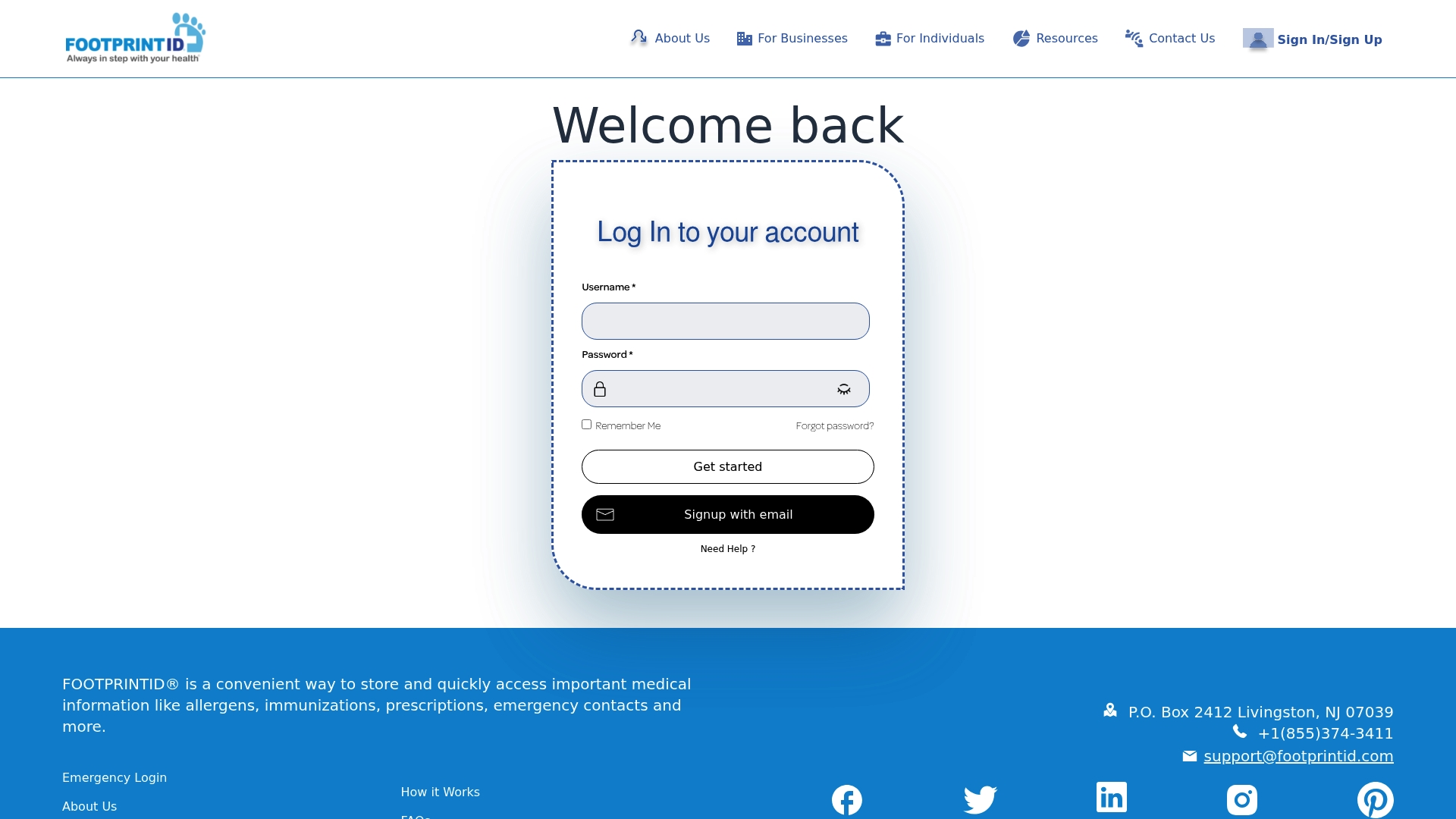
Mobile apps on iOS and Android let people pull up allergens, immunizations, prescriptions, and emergency contacts quickly. FootprintID centers on rapid access to core medical details for individuals, families, and pet owners. The service aims to reduce time spent searching for records during emergencies and to keep essential info reachable from a phone.
Core Features
FootprintID stores basic medical data such as allergens, immunizations, prescriptions, and emergency contacts in user accounts that you sign into on web or mobile. The platform supports sharing records with emergency contacts or healthcare providers and includes resources and FAQs about privacy and account use. Mobile app access is the primary path for updates and retrieval, and the service also offers separate support for pet records.
Key Differentiator
FootprintID focuses on instant, phone-first access to the smallest set of critical health facts that matter in an emergency. That narrow focus makes it easier to find a child or pet allergy list or current prescriptions without digging through full medical charts. For people who want a single, quick reference rather than full clinical record management, this approach shortens the time to the right information.
Pros
Easy retrieval of emergency details reduces friction when you need to share allergies or contacts with first responders or clinic staff. Mobile availability on both iOS and Android keeps records in your pocket for travel, school, or volunteer activities. The platform supports pet health through PawprintID, so families can keep both human and animal records in related systems. Accounts and sign-in flows are straightforward, which helps members update basic items without a steep learning curve.
Cons
- Limited visibility on provider integrations. The product does not list connections to electronic health record systems, which may slow workflows that require automatic sync.
- No clear statement about export or backup features. The absence of documented export options makes long term portability unclear.
- Reliability where internet access is poor is not addressed. In offline or low-coverage areas, digital-only access may not replace paper or local records.
When It May Not Fit
If your organization needs two-way sync with clinic systems or automated imports of clinical results, FootprintID may fall short. Teams that require verified clinical provenance or audit trails will likely need a platform with explicit provider integrations. If you need offline-first access for remote sites, choose a solution that offers local backups or printable emergency cards.
Who It’s For
Individuals and families who want a fast, mobile reference for allergies, immunizations, and emergency contacts will find the product useful. Volunteer groups, schools, and small organizations needing a simple way to collect basic medical details will benefit from phone access. Pet owners who want a companion record for animals can use the related pet record feature.
Real World Use Case
A parent stores immunization dates, documented allergies, and two emergency contacts in their account before a school trip. During a field trip incident, staff open the app and read the allergy list and medication notes instantly. The parent updates a prescription on the phone and shares the change with the school nurse.
Website: https://footprintid.com
MyDigiRecords
At a Glance
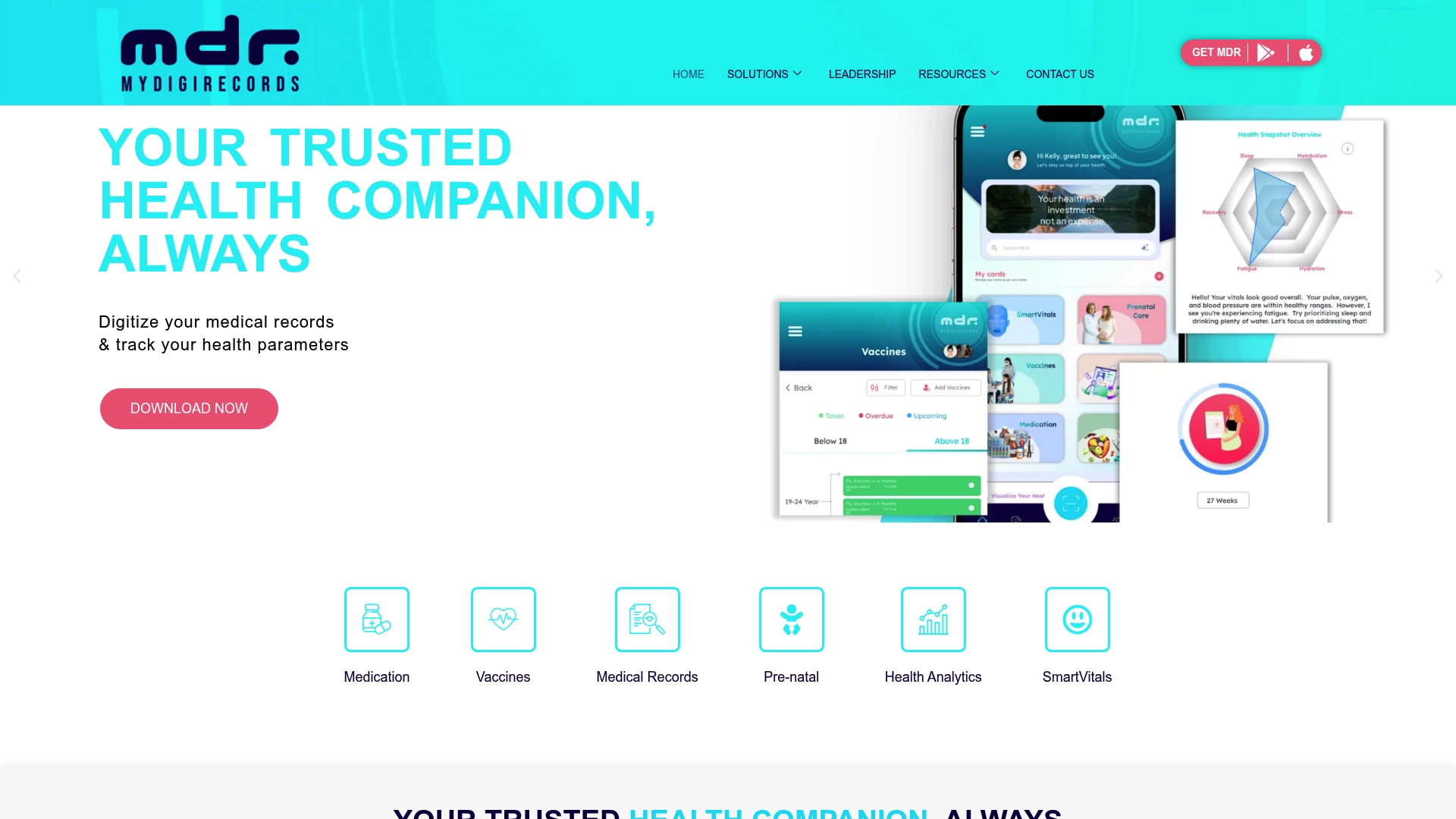
Vaccination tracking, medication interaction alerts, and a family health hub sit inside one product offering. MyDigiRecords pairs mobile access with a health analytics dashboard for trend monitoring. The platform positions itself for hospitals, clinics, and people who manage family records while emphasizing data privacy and secure storage.
Core Features
The platform stores medical records securely and lets you share them with providers and family members. It includes vaccination tracking, medication management with reminders and drug interaction alerts, and a health analytics dashboard for personalized trends. Mobile apps on Android and iOS let patients and staff access records on the go.
Key Differentiator
MyDigiRecords focuses on interoperable, plug and play solutions tailored to different healthcare entities while emphasizing security and privacy. That vendor positioning favors deployments where integration with existing hospital or clinic systems and centralized data control matter most.
Pros
The product groups patient record storage, family access, and vaccination monitoring in one place, which simplifies record keeping for mixed clinical and household use. Its emphasis on security and privacy addresses a common concern for hospitals and clinics. Mobile apps and built in analytics make it practical for clinicians who want quick access to trends and for families who want straightforward record sharing.
Cons
-
Public pricing is not clearly listed, which makes upfront cost comparison difficult for smaller buyers.
-
The product appears weighted toward enterprise and hospital deployments rather than single clinician practices.
-
Integrations and customization options are not documented publicly and may require direct consultation.
-
The platform may need technical support to tie into legacy hospital systems.
When It May Not Fit
MyDigiRecords may not fit a solo practice that wants a consumer ready app with transparent monthly plans. Large organizations that require a turn key integration without IT involvement may find deployments slower. Teams that need public documentation of customization limits or scaling options will likely need to contact the vendor for details.
Who It’s For
Healthcare providers, hospital administrators, and clinic managers who need a secure record repository with analytics and vaccination management will find this product relevant. Health conscious individuals and families who prefer mobile access and shared family records will also get value. The product suits buyers willing to discuss integration and deployment with a vendor team.
Real World Use Case
A hospital uses MDR HMIS to digitize patient charts and to centralize vaccination records across departments. Staff access vaccination status and medication alerts from mobile devices during rounds. The analytics dashboard highlights trends in vaccine uptake and medication adherence for operational planning.
Pricing
Public pricing is not listed. The product notes pricing as not applicable and informational only, which indicates a contact for custom quotes. Expect enterprise style licensing or project based quotes rather than fixed consumer tiers.
Website: https://mydigirecords.com
Primary Record
At a Glance
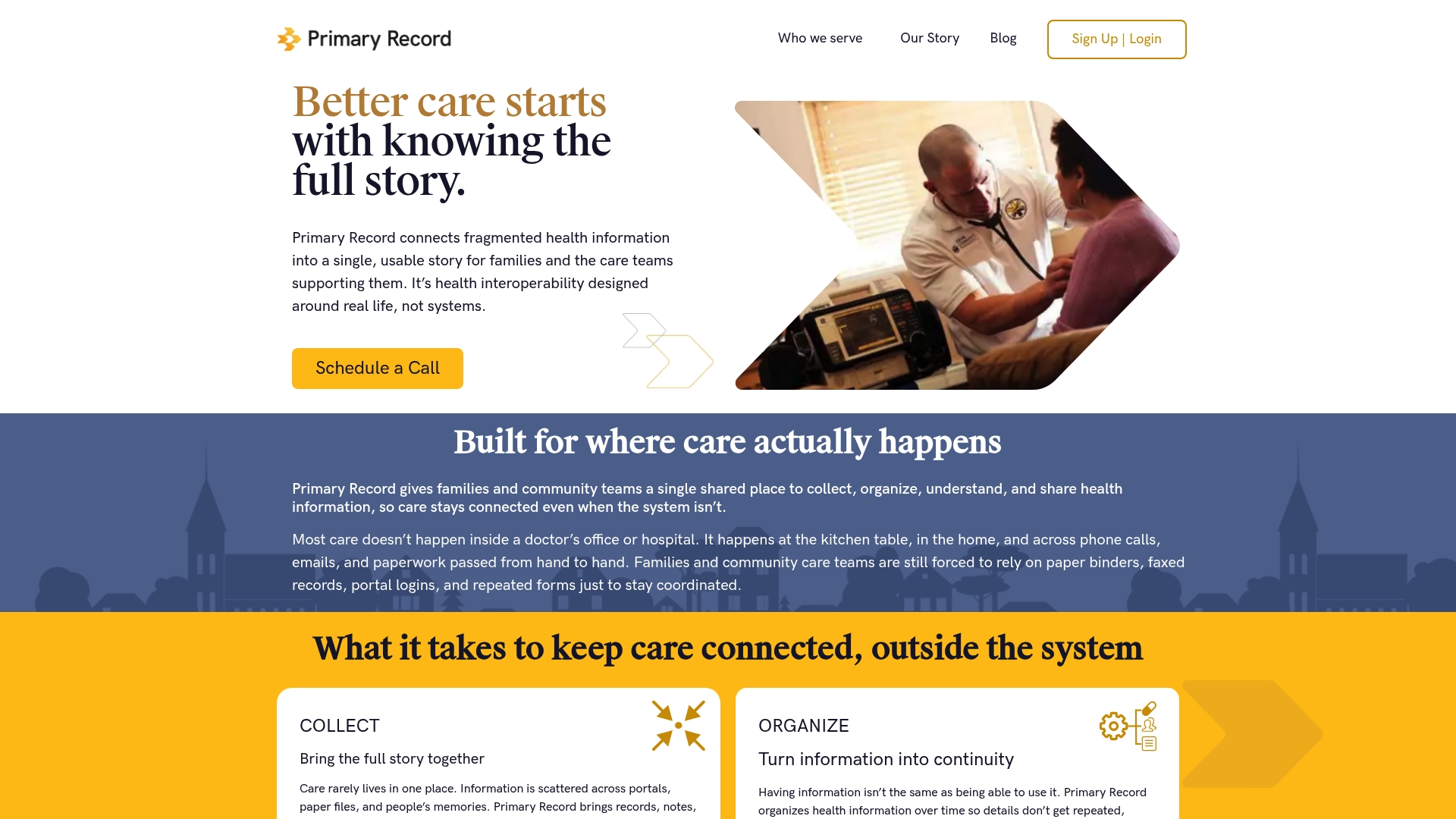
Connects multiple health data sources, including patient portals and paper records, into a single shared story for families and care teams. The platform centers on care that happens outside hospitals and clinics, such as home-based care and community paramedicine. It provides plain language summaries and a live activity feed so people and caregivers can follow events over time.
Core Features
Primary Record links disparate records and organizes them over time to keep a continuous care narrative. You can share selected records with trusted family members and community organizations and view updates through an activity feed and reports. The platform translates clinical entries into plain language summaries so nonclinicians can understand tests and care plans.
Key Differentiator
Primary Record focuses explicitly on community and home-based care rather than clinic-centered record keeping. That focus appears in workflows for mobile integrated health, life care planning, and community paramedicine where context matters. The product emphasizes a continuous timeline of events instead of isolated encounter snapshots.
Pros
Designed for community and home care, the platform supports scenarios traditional EHRs often miss. Longitudinal organization reduces the risk of losing earlier records and helps families track changing needs over months. Sharing controls let teams give access to specific caregivers and community partners while keeping other records private. Plain language summaries make it easier for patients and family to act on results and care plans without repeated clinician interpretation.
Cons
-
Limited information on integrations with other healthcare IT systems.
-
Limited details on data security and compliance measures.
-
Potential usability challenges for less tech-savvy users are not described.
When It May Not Fit
If your procurement requires documented EHR integrations for billing or clinical workflows, Primary Record may not fit. If you need published security certifications or compliance statements for vendor review, the platform lacks that public detail. If your user base is largely unfamiliar with digital tools, the current materials do not describe assisted onboarding or simplified modes.
Who It’s For
Families managing complex, long term care at home will value the shared timeline and plain language summaries. Community paramedicine teams and social care coordinators can use it to record visits and keep caregivers updated. It fits groups that need straightforward sharing across nonclinical stakeholders rather than deep EHR integration.
Real World Use Case
A community paramedic team documents patient visits in Primary Record after each call. Family members receive a plain language report and the primary care clinic sees the activity feed entries. That continuous record reduces duplicated tests and keeps everyone aligned during transitions to home care.
Website: https://primaryrecord.com
Comparison of alternatives
Medfiles.ai stands out with its user review and approval mechanism, granting full control over document inclusion while accommodating family and pet profiles. Other platforms, while competing in distinct aspects, provide different valuable functionalities based on organizational or individual priorities.
Controlled document management
Medfiles.ai introduces a user-centric review process where incoming medical files require user approval before being added to the archive. This feature empowers families managing records across multiple profiles, allowing selective integration of medical histories and enabling ease in auditing saved documents. Competitors like MyDigiRecords and Primary Record focus more on institutional applications or longitudinal tracking but lack this granular control mechanism.
Enterprise-grade security
Organizations that prioritize stringent security often prefer Sync.MD, which uniquely employs patented encryption methods hosted on Microsoft Azure. This approach emphasizes compliance and reliability, making it suitable for clinics and enterprises with advanced data handling needs. Medfiles.ai appeals to personal and small-household users; however, it does not match Sync.MD’s enterprise-focused security robustness.
Best fit
- Families and individuals seeking a tailored records approval process for household medical archives benefit most from Medfiles.ai’s selective document flow.
- Organizations in need of advanced encryption and secure transmissions for sensitive healthcare operations should consider Sync.MD.
- Emergency response scenarios requiring quick mobile access to critical facts, such as allergies or prescriptions, align well with FootprintID.
- Families requiring vaccination tracking alongside analytics in a centralized hub may opt for MyDigiRecords.
- Those managing home-based health care or community paramedic records enjoy streamlined longitudinal histories through Primary Record.
Our pick
Medfiles.ai is the preferred choice for individuals and families who prioritize granular control over their medical record intake, coupled with multi-profile support including pets. This platform excels in giving users the ability to manage sensitive records actively, enhancing peace of mind. However, users needing enterprise-grade security features might find Sync.MD fits their requirements better.
Selecting a medical record management platform depends on features like security, usability, and user control.
| Product | Key Differentiator | Best For | Pricing | Limitation |
|---|---|---|---|---|
| Medfiles | User document review and approval workflow | Families and households managing multiple profiles | $2.49–$9.99/month | Limited free storage (five documents) |
| Sync.MD | Patented security with Microsoft Azure hosting | Enterprise users requiring robust security | Price not published | Requires technical setup for small businesses |
| FootprintID | Instant mobile access to emergency details | Individuals and families needing quick references | $1.99/month | Lack of seamless provider integration |
| MyDigiRecords | Analytics for vaccination and medication tracking | Hospitals and clinics focused on data trends | Price not published | Oriented towards enterprise deployments |
| Primary Record | Longitudinal care timeline with plain summaries | Families managing long-term home care | Price not published | Limited details on security and integrations |
How to secure your family’s medical records with trusted themedical.io alternatives
Managing your medical history requires control and clarity. Medfiles puts you in charge by letting you approve every provider document before it joins your archive. This patient-centered approach reduces mix-ups and protects privacy. With multi-profile support for families and pets, Medfiles simplifies handling diverse health information while keeping it securely organized with AI-powered tools and HIPAA-ready encryption.
Medfiles offers:
- Instant access to medical records on web and mobile
- Permissioned sharing with family and healthcare providers
- Alerts for new documents and appointments
Stop worrying about lost or scattered files. Visit Medfiles to store, organize, and securely manage your health data. Create your free account and approve your provider uploads with confidence today.
FAQ
How does Medfiles ensure document control for medical records?
Medfiles requires user review and approval before storing provider documents. This approach gives individuals final control over what enters their archive, creating a clear confirmation step for each incoming file.
What is the difference between Medfiles and Sync.MD?
Sync.MD emphasizes enterprise-grade security with patented transmission methods and Microsoft Azure hosting. While this is an advantage for organizations with strict data control needs, Medfiles excels for families wanting to approve provider-sent documents before storage.
Which platform offers better support for family medical records, Medfiles or FootprintID?
Medfiles supports family profiles, allowing multiple medical histories to be managed within a single account. This feature makes it practical for households, while FootprintID focuses on basic health information and emergency access, which might not cater to the comprehensive needs of families.
Can I access Medfiles records offline?
Medfiles primarily uses a web and mobile archive, making offline access limited. Users should consider their needs for offline accessibility, especially in emergencies where reliable internet may not be available.
What are the pricing tiers for Medfiles?
Medfiles offers a free plan for up to five documents, with paid tiers starting at $2.49 per month for individuals and up to $9.99 per month for larger family plans. This structure allows users to choose an option that fits their needs based on the volume of records.