Health Document Organization Tips for Families
Discover essential health document organization tips for families. Streamline your medical records for easy access and improved care.
Health Document Organization Tips for Families
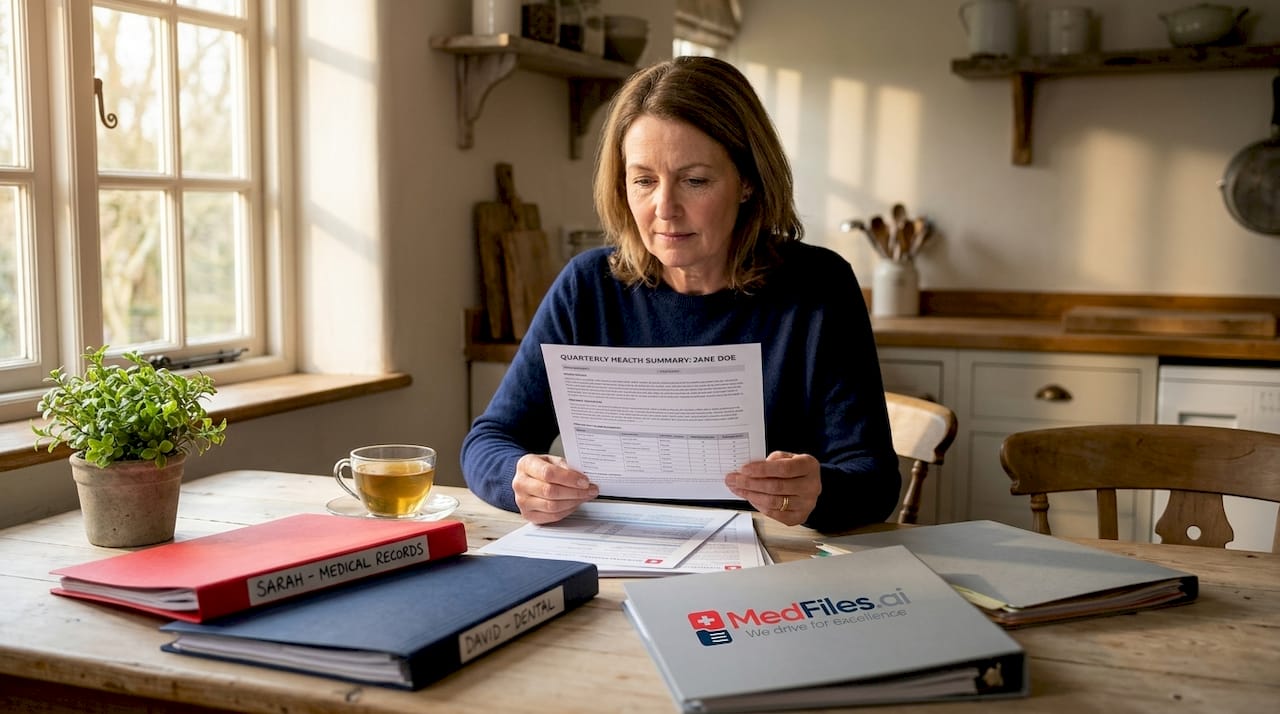
Health document organization is the process of arranging your personal medical and health-related records into a logical, accessible system that enables quick retrieval during emergencies and efficient long-term management. When your records are scattered across shoeboxes, email inboxes, and clinic portals, a gap in care coordination becomes a real risk. Well-organized records support quality care and reduce treatment errors across providers. Experts at Johns Hopkins Medicine and Purdue University both confirm that a structured approach to managing health documents directly improves outcomes for patients and caregivers alike.
1. Health document organization tips: start with the right categories
The foundation of any solid filing system is grouping your records into clear, logical categories. Without categories, even a small collection of documents becomes hard to search under pressure.
Start with these core categories:
- Personal health history: Diagnoses, surgical records, immunizations, and family medical history
- Test results: Lab work, imaging reports, pathology findings
- Prescriptions and medications: Current and past prescriptions, dosage instructions, allergy records
- Insurance documents: Policy cards, explanation of benefits, prior authorization letters
- Emergency contacts: Primary care doctor, specialists, pharmacy, and trusted family members
- Legal and advance directives: Living wills, healthcare proxy forms, HIPAA release authorizations
Johns Hopkins internal medicine expert Alicia Arbaje recommends tracking who to call for what and keeping a detailed symptom log alongside your records. This doctor directory approach is especially useful when you are managing care for an aging parent or a child with a chronic condition. A caregiver who can pull up the right specialist’s contact in 30 seconds is far more effective than one who has to search through a stack of papers.
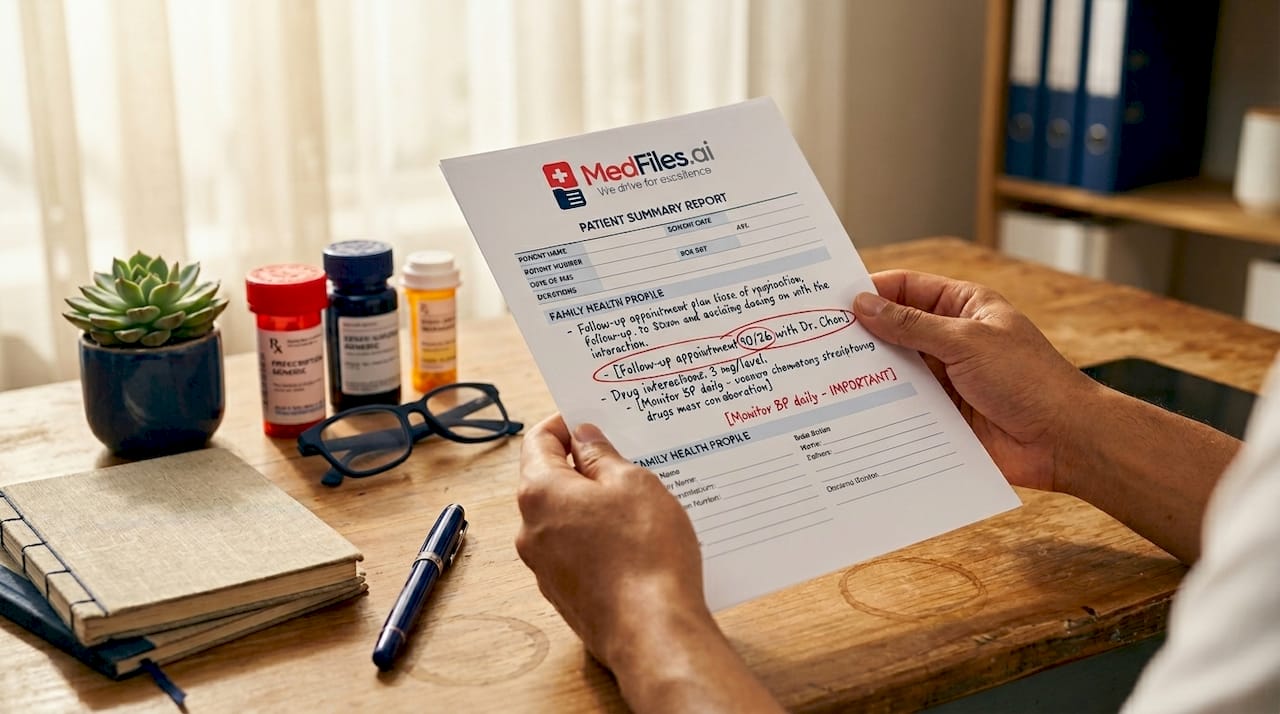
Pro Tip: Create a one-page “Medical Summary Sheet” for each family member that lists current medications, allergies, primary doctor, and insurance info. Keep it at the front of every folder and update it at each annual checkup.
2. Choose between physical, digital, or hybrid filing systems
Physical filing and digital storage each have real strengths. The best approach for most families is a hybrid system that uses both.
| Format | Best for | Limitations |
|---|---|---|
| Physical folders | Legal documents, signed forms, original records | Vulnerable to fire, flood, and loss |
| Digital storage | Test results, imaging, prescriptions | Requires device access and security setup |
| Hybrid system | All document types | Requires consistent upkeep of both formats |
Corodata advises a hybrid approach for efficiency and compliance, mixing physical and digital storage based on document type and access frequency. For example, keep your original advance directive in a fireproof home safe, but store a scanned copy in a secure digital app for quick access during travel. Physical folders work well for documents you rarely need but must preserve. Digital storage wins for anything you share regularly with providers.
3. How to create file naming conventions for digital records
A clear naming convention is the single most underrated tip in digital health information organization. Without it, you end up with files named “scan001.pdf” and “results_final_FINAL.pdf” that are impossible to sort.
Purdue University Libraries recommends using logical chronological formats like "yyyy-mm-dd` combined with document type and the person’s name or initials. A well-named file looks like this:
2026-03-15_BloodPanel_JSmith.pdf2025-11-02_ChestXray_Report_MSmith.pdf2026-01-08_PrescriptionRenewal_Metformin_JSmith.pdf
This format sorts files automatically by date in any folder view. Structured file naming also reduces retrieval friction when multiple family members share access to the same records system. Build a hierarchical folder structure on top of this: one top-level folder per person, subfolders by category (Labs, Imaging, Prescriptions), and files named by the convention above.
Pro Tip: If you have years of unsorted digital files, use a free batch-renaming tool like Bulk Rename Utility (Windows) or A-Better-Finder-Rename (Mac) to apply consistent naming to hundreds of files at once. Set aside one afternoon and you will not have to do it again.
4. Audit and prioritize before you digitize
Before scanning every paper in your filing cabinet, audit what you actually have. Prioritize digitizing frequently accessed or legally required documents first to avoid wasting time on records you will never need again.
A practical audit process works like this. First, sort all physical records into three piles: keep and digitize, keep physical only, and shred. Documents from the past one to three years, advance directives, and insurance records belong in the first pile. Old receipts, duplicate copies, and outdated prescription labels belong in the third. Corodata specifically recommends shredding expired files to protect your privacy and reduce clutter. This step alone cuts your digitization workload significantly.
Once you know what to scan, use a smartphone scanning app like Adobe Scan or Microsoft Lens to create clean PDFs. Apply your naming convention immediately at the point of scanning, not later. Waiting to rename files creates a backlog that most people never clear.
5. How to store and back up digital health records securely
Digital storage is only as good as your security setup. HIPAA requires contingency plans for protecting electronic patient records against disasters and breaches, and the same logic applies to personal health files.
Follow the 3-2-1 backup rule: keep three copies of your records, on two different storage types, with one copy stored offsite. In practice, this means your primary digital folder on your computer, a backup on an external hard drive, and a third copy in a secure cloud service. For families managing records across multiple people, a dedicated digital health records platform with end-to-end encryption is far more reliable than a general-purpose cloud drive. General drives like Google Drive or Dropbox are not designed for health data and lack HIPAA-ready infrastructure.
Password-protect any folder or device containing health records. Use two-factor authentication on cloud accounts. Review who has access at least once a year.
6. Preparing health documents for emergency readiness
Emergency readiness is where health document organization tips move from useful to life-saving. Johns Hopkins Medicine recommends keeping documents from the past year readily accessible, including an advance directive and a list of emergency contacts.
The documents every adult should have “at the ready” include:
- Current medication list with dosages and prescribing doctors
- Known allergies and adverse drug reactions
- Most recent lab results and imaging reports
- Advance directive or living will
- Health insurance card and policy number
- Emergency contacts, including primary care physician
“Keep one copy with you at all times — in your car or purse — and another copy offsite or with a trusted person.” — Johns Hopkins Medicine
Multiple copies in different locations reduce bottlenecks when you cannot access your primary storage. A laminated card in your wallet with your blood type, allergies, and emergency contact takes 10 minutes to make and can save critical time in an ER. Tell your trusted caregivers exactly where your records are stored and how to access them.
7. Use patient portals and health apps to simplify access
Your providers are already storing your records digitally. The fastest way to build a complete health file is to pull records directly from patient portals rather than scanning paper copies. Johns Hopkins suggests asking your primary care doctor about recommended apps for managing digital records.
Most major health systems in the United States use portals built on Epic or MyChart, both of which allow you to download visit summaries, lab results, and imaging reports as PDFs. Download these after every appointment and file them immediately using your naming convention. This habit takes under five minutes per visit and keeps your records current without any extra scanning effort.
For families managing records across multiple members, look for platforms that support multi-profile family management so you can keep each person’s records separate but accessible from one account.
8. Schedule regular maintenance to keep your system current
A filing system that is not maintained becomes clutter within a year. Build a simple maintenance routine into your calendar.
Do a quick monthly check: file any new documents from recent appointments, download portal records, and delete duplicates. Do a deeper quarterly review: check that your emergency summary sheet is current, confirm backup copies are syncing, and verify that shared access permissions are still correct. Once a year, do a full audit. Remove outdated records, shred physical documents you no longer need, and update your doctor directory with any new providers or changed contact information.
Organizing health records is not a one-time project. It is an ongoing habit that pays off most when you least expect it, such as when a new specialist asks for your complete medication history or when you are traveling and need to visit an urgent care clinic.
Key takeaways
Effective health document management requires a consistent system built on clear categories, secure storage, and regular maintenance — not a single organizing session.
| Point | Details |
|---|---|
| Categorize first | Group records into health history, test results, prescriptions, insurance, and legal documents. |
| Use a hybrid system | Combine physical and digital storage based on document type and access frequency. |
| Name files consistently | Use yyyy-mm-dd plus document type and name for every digital health file. |
| Prepare for emergencies | Keep a current medication list, advance directive, and emergency contacts in multiple locations. |
| Maintain the system | Schedule monthly filing, quarterly reviews, and annual audits to keep records accurate. |
What I have learned from years of watching families manage health records
Most families do not fail at organizing health documents because they lack discipline. They fail because they try to build a perfect system all at once and abandon it when life gets busy.
The families who actually stay organized start small. They pick one category, like current medications, and get that right before touching anything else. They use whatever tools they already have, whether that is a simple folder on their desktop or a dedicated app, and they build from there. The system does not need to be perfect. It needs to be used.
The other pattern I have noticed is that people underestimate how much their system needs to flex over time. A system built for a healthy 35-year-old looks nothing like what a family managing a parent’s chronic illness needs. Build in flexibility from the start. Use broad categories that can hold more documents as your needs grow. Choose digital tools that support multiple profiles and easy sharing with providers.
Peace of mind is the real outcome here. When you know exactly where your records are and how to share them, every medical interaction gets easier. You spend less time on hold with insurance companies, less time re-explaining your history to new doctors, and less time panicking in an emergency. That is worth the effort.
— Team
Store, organize, and access your health records with Medfiles

Medfiles is a digital medical history platform built for exactly this kind of organization. You can upload test results, prescriptions, imaging reports, and more into one secure, encrypted account. Medfiles automatically organizes your documents and makes them instantly accessible from any device, whether you are at home, traveling, or in an emergency room. The platform supports multi-profile management for families and pets, and lets you share records securely with any healthcare provider in seconds. If you are ready to move beyond paper folders and scattered portals, start your free Medfiles account today and put your entire medical history in your pocket.
FAQ
What documents should I organize first?
Start with your current medication list, known allergies, advance directive, insurance card, and emergency contacts. Johns Hopkins Medicine identifies these as the documents clinicians need immediate access to in an emergency.
How should I name my digital health files?
Use the format yyyy-mm-dd_DocumentType_Name.pdf for every file. Purdue University Libraries confirms that chronological naming conventions speed up identification and reduce confusion across caregiving teams.
Is it safe to store health records digitally?
Yes, provided you use a platform with end-to-end encryption and HIPAA-ready infrastructure. General cloud drives like Google Drive are not designed for health data. A dedicated secure medical document storage solution provides the right level of protection.
How often should I update my health records system?
File new documents monthly, review your emergency summary sheet quarterly, and do a full audit once a year. Corodata recommends purging outdated records regularly to maintain privacy compliance and reduce clutter.
Do I need both physical and digital copies?
For most families, yes. Keep original legal documents like advance directives in a fireproof safe, and store digital copies in a secure app for quick access. Multiple copies in different locations protect you when one storage method becomes unavailable.