How digital health records work: A beginner's guide
Learn how digital health records work, how your data stays secure, and how your family can organize and access medical information with confidence.
How digital health records work: A beginner’s guide
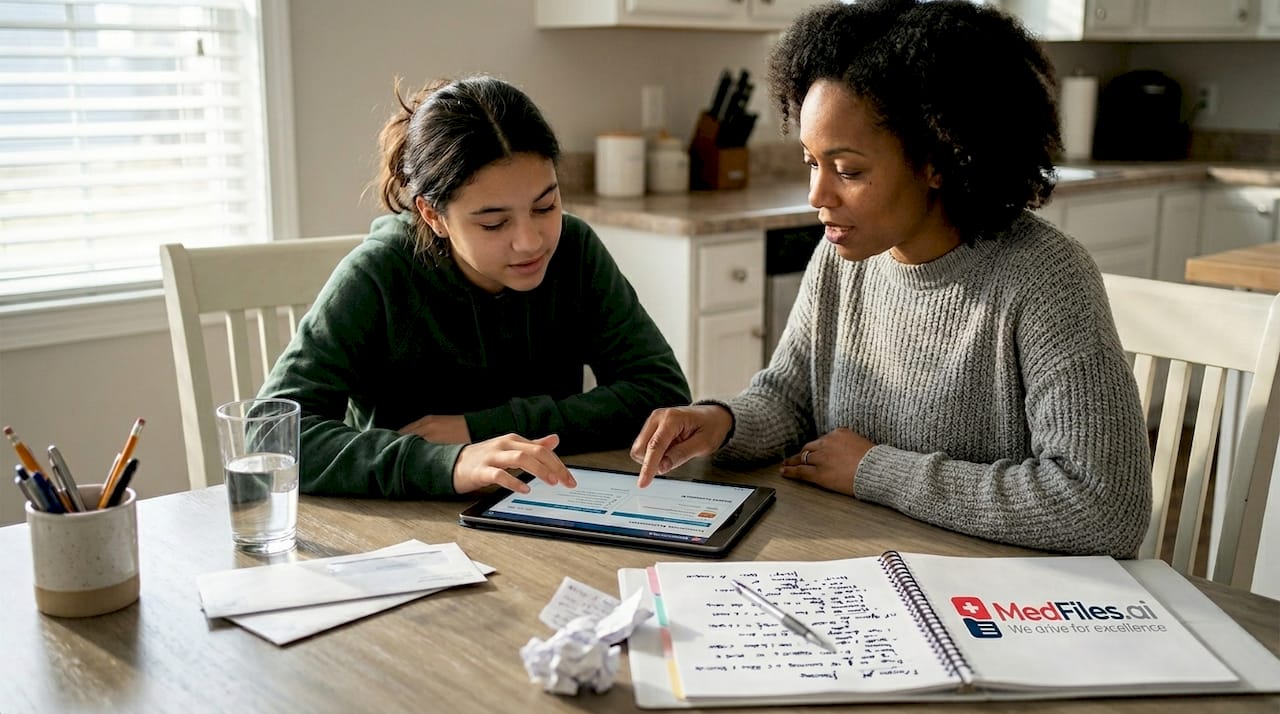
Most people assume digital health records are complicated systems built for doctors and hospitals. They’re not. These tools are designed for you, your family, and anyone who wants to stay on top of their health information without drowning in paper. Nearly every major healthcare interaction now generates a digital record, yet millions of families still struggle to access, organize, or share that information when it matters most. This guide breaks down what digital health records actually are, how they work behind the scenes, how your data stays safe, and how your family can use them with confidence.
Table of Contents
- What are digital health records and who uses them?
- How digital health records work: The underlying technology explained
- How digital records stay secure: Privacy, encryption, and your rights
- Successes, problems, and what to watch for with digital records
- A fresh look: Why true empowerment means more than just access
- Unlock the power of digital health records for your family
- Frequently asked questions
Key Takeaways
| Point | Details |
|---|---|
| Not just for doctors | Digital health records give families secure, organized access to their complete medical information. |
| Structured, shareable data | Modern systems use standards like HL7 FHIR for easier sharing and better healthcare experiences. |
| Security matters | Encryption, access controls, and audit trails keep your data safe, but informed users add another layer of protection. |
| Watch for pitfalls | Users should be aware of risks like breaches, errors, or system downtime and know ways to stay proactive. |
| Empowerment means more | Real family empowerment comes from not just access, but learning to use and manage digital records effectively. |
What are digital health records and who uses them?
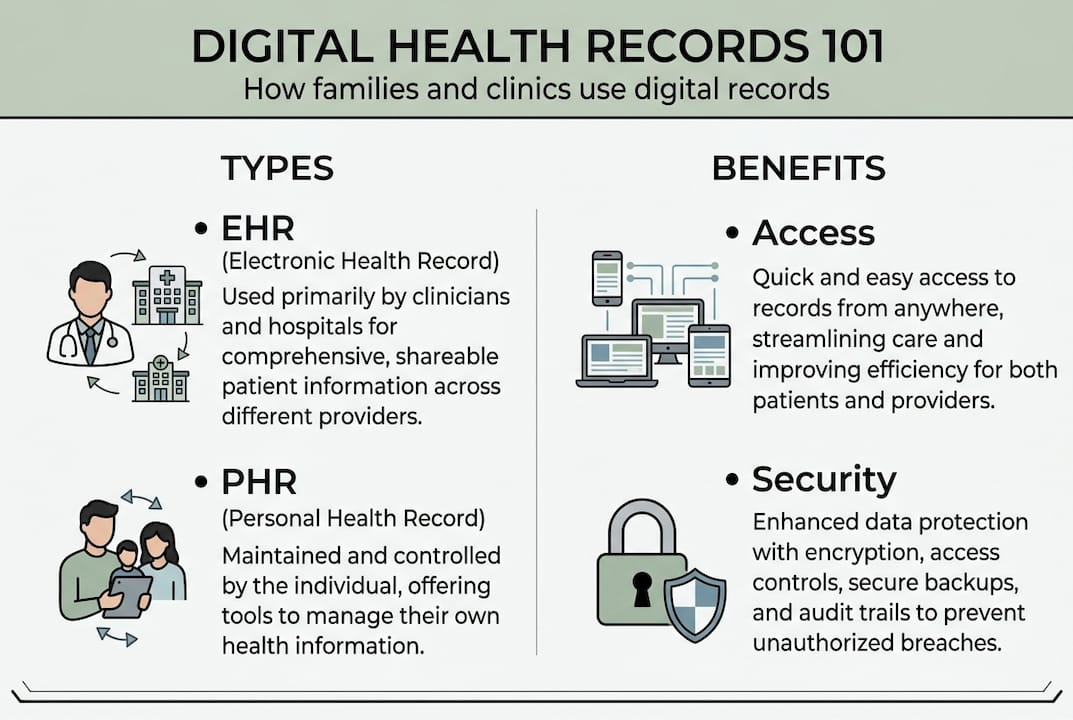
The term “digital health records” covers two main types. The first is the electronic health record (EHR), managed by your healthcare provider. The second is the personal health record (PHR), managed by you. Both store medical information digitally, but they serve different purposes.
An EHR holds records created during clinical visits: diagnoses, lab results, prescriptions, imaging reports, and treatment notes. Your doctor’s office, clinic, or hospital owns and maintains it. A PHR, on the other hand, is your own record, one you build, control, and carry with you. You can include everything from vaccination history to allergy lists to wellness notes.
Who uses digital health records? Nearly everyone involved in healthcare:
- Individuals tracking chronic conditions or medication schedules
- Families managing records for children, elderly parents, or pets
- Clinicians needing fast access to patient histories
- Hospitals coordinating care across departments and specialists
- Patients reviewing their own diagnoses and treatment plans
Contrast this with paper records. Paper gets lost, damaged, or left behind. It can’t be shared instantly or searched by keyword. It sits in filing cabinets across multiple providers, invisible when you actually need it. Digital records change all of that. The digital record benefits for families include faster emergency care, fewer repeated tests, and better coordination between providers.
For families especially, this shift is significant. When your child sees a specialist across town, that doctor can access the same notes your pediatrician entered last week, if both use compatible EHR systems. The benefits for families extend to every health touchpoint, from routine checkups to urgent care visits.
“EHRs work via layered architecture: data captured during encounters, stored in structured formats like HL7 FHIR, enabling interoperability from foundational to semantic levels.” This means records aren’t just stored, they’re structured so different systems can read and share them.
Understanding this distinction, EHR vs. PHR, is the first step to taking real control of your family’s health information.
How digital health records work: The underlying technology explained
Now that you know what digital health records are and who uses them, let’s look inside: how do these systems actually capture and share your information securely?
When you visit a doctor, a nurse or clinician enters your vitals, symptoms, and notes into the EHR system in real time. That data gets stored in a structured format, not as free text, but as organized fields that computers can read, search, and exchange. Two key terms come up here: HL7 and FHIR.
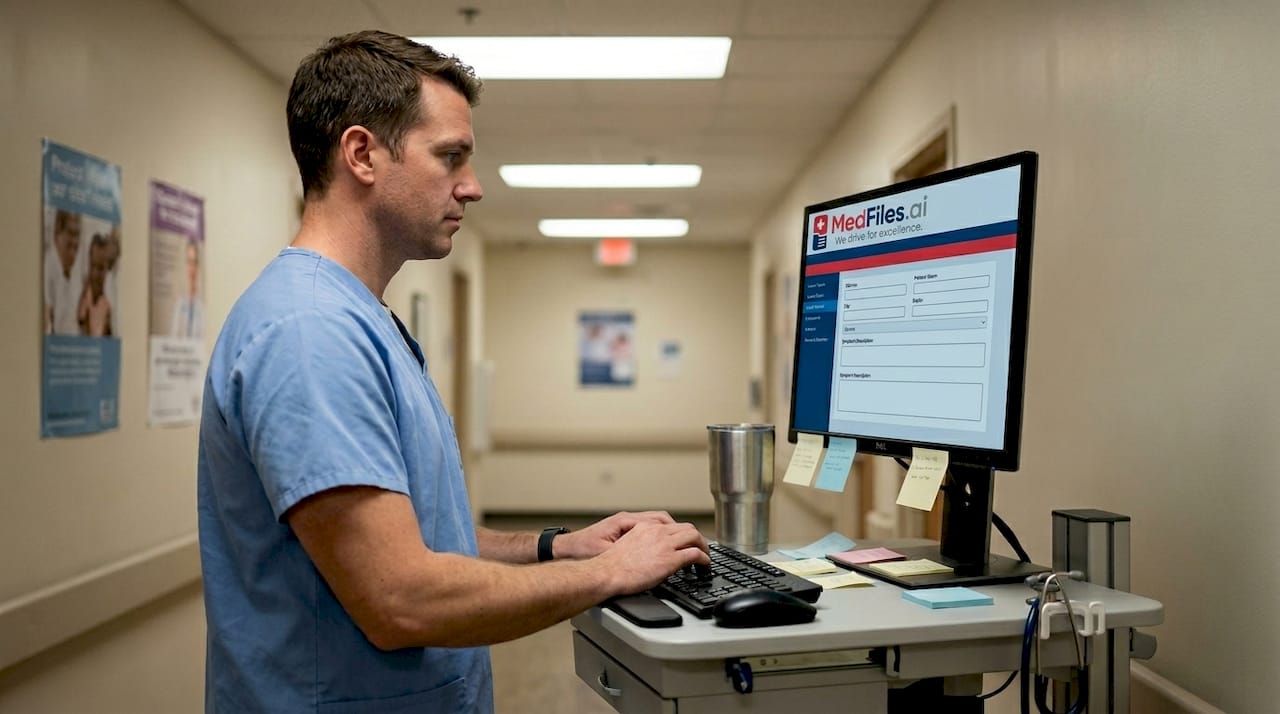
HL7 (Health Level 7) is a set of international standards for how health data should be structured. FHIR (Fast Healthcare Interoperability Resources) is the modern version, built for the internet age. Think of it like a universal language that lets different healthcare systems talk to each other. HL7 FHIR structured formats enable interoperability at multiple levels, but most US systems currently operate at levels 1 or 2.
Here’s what those interoperability levels mean for your family:
| Level | Name | What it means for families |
|---|---|---|
| 1 | Foundational | Data can be exchanged, but may need manual review |
| 2 | Structural | Data follows a format; systems can read it |
| 3 | Semantic | Systems fully understand and act on shared data |
Most families interact with level 1 or 2 systems daily. Level 3 is the goal but still developing widely. Understanding this helps set realistic expectations about how smoothly your records move between providers.
Here’s a simple real-world example. Your child visits their pediatrician. The doctor logs the visit in the EHR. With a compatible system, that record can flow to a specialist, a lab, or your own PHR. You can view it, download it, and carry it to any appointment, anywhere. Understanding the medical records workflow helps you stay proactive rather than reactive with your family’s care.
Need to organize medical records across multiple family members? A strong PHR platform makes this possible without technical expertise.
Pro Tip: Ask your provider whether their EHR supports FHIR-based sharing. If it does, you can often request direct digital access to your records through a patient portal, making secure document storage much easier to set up.
How digital records stay secure: Privacy, encryption, and your rights
Understanding the technical side is one thing, but families need to know their data stays safe. Here’s what keeps your records and your rights protected.
Digital health records use encryption to scramble your data so only authorized users can read it. Imagine your records as a locked box. Encryption is the lock. Only someone with the right key, your provider or you, can open it.
Access controls add another layer. Your records are only available to people with the right permissions. A billing clerk can’t access your diagnosis notes. A specialist can’t view records outside their scope of care. Audit trails keep a log of who viewed or changed your records, and when. This creates accountability and helps catch unauthorized access quickly.
Your rights are also protected by HIPAA (the Health Insurance Portability and Accountability Act). HIPAA gives you the right to access your own records, request corrections, and know who has seen your information. Encryption, access controls, and audit trails are all core security features required under these standards.
Here are practical steps your family can take right now for safer digital record use:
- Use a strong, unique password for every health portal or PHR platform
- Enable two-factor authentication wherever it’s available
- Review your records regularly to spot errors or unauthorized access
- Only share records through encrypted or HIPAA-ready platforms
- Ask your provider how they handle data breaches if one occurs
- Teach older children and teens how to access and protect their own records
Pro Tip: When choosing a digital health platform, look for HIPAA-ready infrastructure and end-to-end encryption. These aren’t buzzwords, they’re the baseline. The complete storage guide walks through what to look for before you store anything sensitive. And for families managing records across multiple people, understanding secure family access practices is essential.
Successes, problems, and what to watch for with digital records
Even with strong security, digital health record systems face real-world successes and problems. Here’s what works and what to be cautious about as you use them.
| Benefits | Risks |
|---|---|
| Faster access to records in emergencies | Privacy breaches and data leaks |
| Reduced medical errors from legible notes | Alert fatigue from excessive notifications |
| Easier coordination between providers | High implementation costs for small providers |
| Patient portals boost health engagement | Incomplete interoperability in rural areas |
| Long-term record storage and retrieval | System downtime blocking urgent access |
The digital security solutions available today address many of these risks, but awareness is your best defense.
Here are the key problems to watch for as a family:
- Alert fatigue: EHR systems generate many automated notifications. Providers may start ignoring them, including important ones.
- Copy-paste errors: Clinicians sometimes copy old notes without updating details, causing inaccurate records.
- System downtime: If a hospital’s EHR goes offline, accessing records can be delayed.
- Incomplete interoperability: Rural or long-term care settings may not connect to the same networks as urban hospitals.
- Data breaches: Real incidents like the ManageMyHealth breach show that even secure systems face threats.
The health management benefits still outweigh the risks for most families, but knowing the pitfalls keeps you prepared. Reviewing EHR interoperability trends shows how rapidly these systems are improving, even if gaps remain.
“PHRs boost patient activation but require training and coaching for effective use.” Access alone isn’t enough. Families who get guidance on how to use their records get far more out of them.
When you know what to watch for, you can choose digital solutions that minimize those risks rather than ignore them.
A fresh look: Why true empowerment means more than just access
Here’s something worth saying plainly: having access to your digital health records is not the same as using them well. Many families get portal logins, glance at a lab result once, and move on. That’s not empowerment. That’s passive storage.
Real control over your health information means understanding what you’re looking at, knowing when something is wrong, and being confident enough to ask your provider tough questions. It means knowing who has viewed your records and whether any changes were made. It means setting up caregivers with the right access so grandparents or school nurses aren’t left in the dark during emergencies.
The uncomfortable truth is that healthcare systems often don’t make this easy. Training is rarely offered. Error handling is opaque. And most providers won’t volunteer information about audit trails unless you ask.
Mastering the health workflow for your family takes intentional effort. But the payoff is real: fewer errors, faster care, and the kind of confidence that comes from knowing exactly what’s in your records and why it matters. Don’t settle for access. Aim for understanding.
Unlock the power of digital health records for your family
You now understand what digital health records are, how they work, and how to protect them. The next step is putting that knowledge into practice for your own family. That’s exactly where MedFiles.ai comes in.

MedFiles.ai gives your family a secure, centralized place to store, organize, and access every medical document: lab results, prescriptions, imaging reports, and more. No technical background needed. Built on HIPAA-ready infrastructure with end-to-end encryption, it’s designed for real families, not just healthcare professionals. Manage multiple profiles, share records securely with providers, and access everything instantly from any device. Explore MedFiles for families and find a plan that fits your needs at our pricing page.
Frequently asked questions
What is the difference between an EHR and a PHR?
An EHR is managed by your healthcare provider and shared across care settings, while a PHR is a record you own, build, and control yourself.
How safe are digital health records from hacking or breaches?
Digital records use encryption, access controls, and audit trails, but breaches still occur. The ManageMyHealth incident impacted 127,000 records, underscoring why strong passwords and secure platforms matter.
How can families make the most of digital health records?
Organize documents consistently, use strong passwords, and teach all family members how to access the system. PHRs boost patient activation most when paired with real training and guidance.
What happens if my provider’s EHR system is down or not compatible with others?
Temporary downtime can delay access to records; incomplete interoperability in rural settings is a documented challenge. Keeping your own PHR ensures continuity no matter what your provider’s system does.
Recommended
- Why store medical records digitally: benefits, security, and solutions | MedFiles.ai
- How to master digital medical records workflow for families | MedFiles.ai
- Complete guide to secure medical document storage | MedFiles.ai
- Why Choose Digital Health Solutions: Benefits for Families | MedFiles.ai
- The Various Advantages of Tracking Your Medical History | Garden State Medical Group | Garden State Medical Group