Your Guide to Secure Health Data Storage
Discover the ultimate guide to secure health data storage. Protect your medical records with essential security practices and strategies for safety.

Your Guide to Secure Health Data Storage
Secure health data storage is the practice of protecting personal medical records using encryption, controlled access, and verified backups so your information stays private, accurate, and available when you need it. Whether you’re managing your own records or tracking health data for your entire family, the risks of poor storage are real: lost records during emergencies, unauthorized access, and data breaches that expose sensitive diagnoses and prescriptions. This guide covers the core standards you need to know, including AES-256 encryption, multi-factor authentication (MFA), HIPAA-compliant storage, and practical backup strategies that work for everyday people.
What is the guide to secure health data storage?
Protecting your health records starts with understanding two categories of security: encryption and access control. These are the technical backbone of any solid health data security practice, and getting them right prevents the vast majority of breaches.
Encryption: the lock on your data
AES-256 encryption at rest and TLS 1.3 in transit are the current standards required for healthcare data security in 2026. AES-256 scrambles stored files so that even if someone physically accesses a hard drive or server, the data is unreadable without the correct key. TLS 1.3 protects data as it moves between your device and a cloud server, preventing interception during upload or sharing.

The distinction between “data at rest” and “data in transit” matters more than most people realize. A file sitting on your phone is at rest. That same file being uploaded to a cloud service is in transit. Both states require separate encryption protections, and a gap in either one creates a vulnerability.
Zero-knowledge privacy techniques, such as client-side encryption with keys derived from your own password, provide the strongest level of confidentiality. With this approach, the service storing your data never holds your encryption key, meaning even the platform itself cannot read your files. This is the gold standard for protecting sensitive health information.
Pro Tip: If a storage service offers client-side encryption, use it. Store your recovery code in a separate, secure location like a password manager or a printed copy in a fireproof safe. If you lose that key, the service cannot restore your data.
Access controls that actually work
Access control determines who can see your records and under what conditions. The three most effective mechanisms are role-based access, least-privilege permissions, and MFA.
- Role-based access assigns viewing or editing rights based on a person’s relationship to the data. A spouse might have full access; a caregiver might see only specific records.
- Least-privilege permissions means each person or app gets the minimum access needed. A family member helping coordinate a doctor’s appointment doesn’t need to see your full medication history.
- Multi-factor authentication requires a second verification step beyond a password, such as a code sent to your phone. MFA is mandatory for every access point in compliant cloud storage systems.
- Strong password hygiene prevents the most common failure point. Misconfigured permissions and weak passwords are the leading cause of healthcare data breaches, not sophisticated hacking.
How do backup strategies and audit logging protect your records?
Encryption keeps your data private. Backups keep it alive. Audit logs tell you what happened to it. All three work together, and skipping any one of them creates a gap you’ll regret during an emergency.
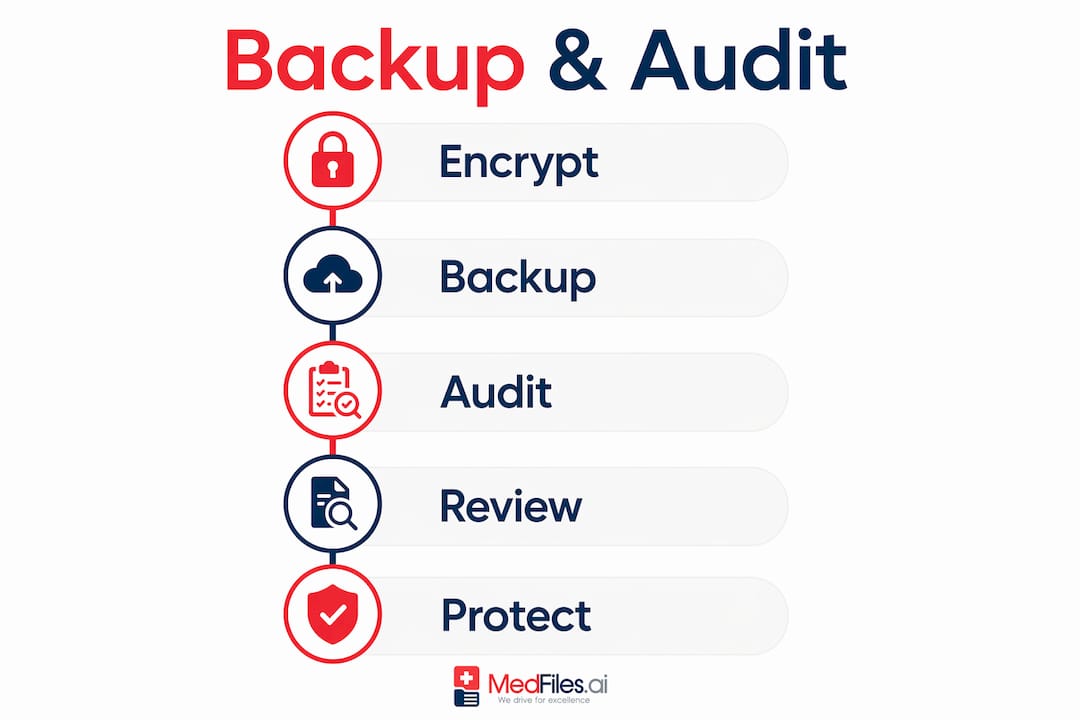
The 3-2-1 backup rule for health data
The 3-2-1 backup rule is the standard framework for data availability: keep three copies of your data, stored on two different media types, with one copy held off-site. For a family managing health records, this might look like:
- Primary copy stored in an encrypted cloud service like a HIPAA-compliant platform.
- Second copy saved to an encrypted external hard drive kept at home.
- Third copy stored in a separate cloud account or a secure off-site location, such as a trusted family member’s encrypted device.
This redundancy protects you against hardware failure, accidental deletion, ransomware, and natural disasters. Losing access to your child’s vaccination records or a parent’s surgical history during a crisis is a preventable problem.
-
Test your backups regularly. An untested backup is not a backup. Backup recovery procedures frequently fail in real incidents because no one verified they worked beforehand. Schedule a quarterly test where you restore a file from each backup source to confirm it’s intact and accessible.
-
Automate where possible. Manual backups get skipped. Set your cloud service to sync automatically and schedule external drive backups using your device’s built-in tools, such as Time Machine on macOS or File History on Windows.
-
Encrypt every backup copy. A backup stored on an unencrypted USB drive defeats the purpose entirely. Every copy, regardless of location, should use AES-256 encryption.
Why audit logging matters for families
Audit logging tracks all file access, modifications, and sharing activity within your storage system. For individuals, this might seem like overkill. For families managing records across multiple caregivers, it’s a critical safety net.
Audit logs answer questions like: Who viewed Grandma’s medication list last Tuesday? Did the file shared with the specialist get accessed? Was a record modified after it was uploaded? These answers matter both for security and for coordinating care across multiple people.
Tamper-proof audit trails must be retained according to a defined policy to be effective for compliance and incident response. Choose a platform that stores logs separately from the files themselves, so a breach of one doesn’t erase the evidence of the other.
Pro Tip: Review your access logs every 30 to 60 days. Look for unfamiliar devices, unusual access times, or records being viewed by someone who shouldn’t need them. Catching anomalies early is far easier than investigating a breach months later.
Which secure data storage solutions work best for individuals and families?
Not every storage solution fits every household. The right choice depends on your technical comfort level, how many people need access, and how often you share records with providers.
| Solution type | Best for | Key benefit | Key trade-off |
|---|---|---|---|
| HIPAA-compliant cloud platform (e.g., Medfiles) | Families, frequent sharing | Encrypted, organized, accessible anywhere | Requires subscription |
| Encrypted local vault (e.g., VeraCrypt) | Tech-savvy individuals | Full control, no third party | Manual management, no remote access |
| Zero-knowledge cloud storage | Privacy-first users | Service cannot read your files | Recovery codes must be self-managed |
| Hybrid approach (cloud + encrypted drive) | Most households | Redundancy with accessibility | Requires consistent maintenance |
Data-centric security focuses on protecting health information throughout its entire lifecycle, not just at the network boundary. This means the storage solution you choose should encrypt files at the point of creation, not just during transmission. Platforms that apply layered encryption, least-privilege access, and continuous monitoring meet this standard.
For most families, a HIPAA-compliant cloud platform paired with an encrypted local backup is the most practical combination. You get accessibility from any device during an emergency, plus a local copy that doesn’t depend on internet access or a third-party service staying online.
When evaluating any cloud storage for health data, check for these features:
- End-to-end encryption with AES-256 at rest and TLS 1.3 in transit
- MFA support for every account login
- Audit logging with tamper-proof records
- HIPAA-ready infrastructure with a signed Business Associate Agreement (BAA) if you’re sharing with providers
- Secure sharing controls that let you set expiration dates or view-only permissions on shared files
What practical steps help you organize and maintain secure health records?
Security technology only works if your habits support it. The most encrypted system in the world won’t protect you if records are scattered across email attachments, paper folders, and three different apps.
Follow these steps to build a system that’s both secure and actually usable:
-
Audit what you have. Gather all existing records: paper documents, PDFs, images of test results, prescription bottles, insurance cards. Knowing what exists is the first step to organizing medical records securely for your family.
-
Digitize and label everything. Scan paper records using your phone’s camera or a dedicated scanner app. Label files clearly with the date, provider name, and record type (e.g., “2025-03-BloodPanel-DrSmith”). Consistent naming makes retrieval fast during emergencies.
-
Set up role-based permissions for family members. Decide who needs access to what. A teenage child might need their own profile with limited parental visibility. An elderly parent’s records might need to be accessible to two adult children and a primary care physician.
-
Use a password manager. Tools like Bitwarden or 1Password generate and store unique, complex passwords for every account. Combine this with MFA on every health-related login. Regular audits and strong identity management are what create a Zero Trust environment that actually holds up over time.
-
Schedule a quarterly security review. Update passwords, check access logs, verify backups, and remove permissions for anyone who no longer needs access. Continuous risk analysis is what separates a secure system from one that just feels secure.
Pro Tip: When sharing records with a new provider, use a platform that generates a time-limited, view-only link rather than emailing a PDF. Email is not encrypted by default, and attachments can be forwarded without your knowledge.
Key takeaways
Secure health data storage requires encryption, access control, redundant backups, and consistent habits working together, not any single tool or setting applied once.
| Point | Details |
|---|---|
| Encryption is non-negotiable | Use AES-256 at rest and TLS 1.3 in transit for every storage solution you choose. |
| MFA stops most unauthorized access | Enable multi-factor authentication on every account that holds health records. |
| Follow the 3-2-1 backup rule | Keep three copies across two media types, with one stored off-site or in a separate cloud account. |
| Audit logs catch problems early | Review access logs every 30 to 60 days to spot unusual activity before it becomes a breach. |
| Habits matter as much as tools | Quarterly reviews, strong passwords, and consistent labeling are what keep a secure system working long-term. |
What I’ve learned about health data security after years of working with families
Most families don’t lose health records to hackers. They lose them to chaos. A prescription PDF buried in a Gmail inbox. A specialist’s report saved to a phone that got replaced. A paper folder left at a relative’s house during a health crisis. The technology to prevent all of this exists and is accessible to anyone. The harder problem is building the habit of using it consistently.
The mistake I see most often is treating security as a one-time setup. People choose a storage app, upload a few files, and consider the job done. But security is a layered, ongoing process that requires administrative habits, physical precautions, and technical safeguards working together. A strong password on a shared family account where everyone uses the same login defeats the purpose entirely.
The other common error is choosing a tool based on convenience alone, then ignoring whether it actually protects data. Free cloud storage services that don’t offer end-to-end encryption or a HIPAA-ready infrastructure are not appropriate for health records, regardless of how easy they are to use. The right tool fits your lifestyle and protects your data. Those two requirements are not mutually exclusive.
Start simple. Pick one platform that handles encryption and access control for you. Build the backup habit. Review your logs. Add complexity only when you need it. The families who manage this well aren’t the most technically sophisticated ones. They’re the ones who made a decision and stuck with it.
— Team
Store your health records securely with Medfiles
If you want a system that handles encryption, organization, and secure sharing without requiring a technical background, Medfiles is built for exactly that.

Medfiles uses HIPAA-ready infrastructure with end-to-end encryption to protect every record you upload, from lab results to prescription histories to imaging reports. You can manage family health records across multiple profiles, set role-based sharing permissions, and generate secure links for providers without ever sending an unprotected attachment. For healthcare providers coordinating with patients, the Medfiles for Doctors platform makes clinical data exchange straightforward and secure. Your records stay organized, encrypted, and accessible whenever you need them.
FAQ
What encryption standard should I use for health records?
AES-256 encryption at rest and TLS 1.3 in transit are the current requirements for secure health data storage in 2026. Any platform you use for storing medical records should meet both standards.
What is the 3-2-1 backup rule for health data?
The 3-2-1 rule means keeping three copies of your data on two different media types, with one copy stored off-site. For families, this typically means a HIPAA-compliant cloud platform, an encrypted external drive, and a second cloud account or off-site backup.
Is cloud storage safe for personal health records?
Cloud storage is safe when the provider uses end-to-end encryption, enforces MFA, maintains audit logs, and operates on HIPAA-ready infrastructure. Free general-purpose cloud services typically do not meet these standards for health data.
How do I securely share health records with a doctor?
Use a platform that generates time-limited, view-only sharing links rather than emailing PDF attachments. Email is not encrypted by default, and attachments can be forwarded or accessed without your knowledge.
How often should I review my health data security settings?
A quarterly review is the recommended minimum. Check access logs, update passwords, verify that backups completed successfully, and remove permissions for anyone who no longer needs access to your records.