What is secure medical document storage? The family guide
Discover what secure medical document storage truly means. Learn vital steps for protecting your family's health information effectively.
What is secure medical document storage? The family guide
Most people assume that putting a password on a folder or uploading files to the cloud is enough to call their medical records “secure.” It is not. Secure medical document storage covers a far wider territory than encryption alone. It includes how data is organized, who can access it, how access is tracked, and whether you can actually retrieve it when you need it most — like at a foreign hospital at 2 a.m. This guide breaks down every layer of that protection, explains how it applies to real families, and gives you practical steps to get there.
Table of Contents
- What secure medical document storage really means
- How individuals and families can securely store medical records
- Consumer-controlled health record systems: features and benefits
- Ensuring portability and emergency access for families on the move
- Maintaining long-term security and auditability of medical documents
- A fresh perspective on secure medical document storage for families
- How MedFiles.ai supports secure, family-friendly medical document management
- Frequently asked questions
What secure medical document storage really means
Many people think security equals a password. But according to the HIPAA Security Rule, secure medical document storage is the protection of individuals’ health information using layered safeguards to keep it confidential, integral, and available. Three distinct properties. All three must hold.
These three properties have specific meanings:
- Confidentiality: Only authorized people can view your records. No strangers, no unintended recipients, no data breaches.
- Integrity: Your records cannot be altered or destroyed without authorization. What you stored is exactly what you retrieve.
- Availability: Authorized users can access the records when they need them. Including emergencies.
The HIPAA Security Rule defines three categories of safeguards that together achieve this: administrative (policies and procedures), physical (device and location security), and technical (encryption, access controls, audit logs). For families, the technical piece gets the most attention. But ignoring the administrative and physical layers is where most people leave gaps. Who has access to your records app? Where is your device stored? What happens if your phone is stolen?
This is what understanding secure medical document storage really requires. Not just a tool, but a thoughtful approach.
Now that we understand what secure medical document storage really entails, let’s explore how it applies to individuals managing their own records at home or on the go.
How individuals and families can securely store medical records
The good news: you do not need to be a cybersecurity expert to protect your family’s health records. You need consistent habits and the right tools.
Start with these core practices:
- Encrypt your files. Before storing medical documents on any device or cloud service, encrypt them. Many apps and operating systems include built-in encryption tools.
- Use strong, unique passwords. A weak password on your health records folder is the same as no lock at all. Use a password manager to generate and store credentials safely.
- Turn on two-factor authentication. This adds a second verification step, so even a stolen password cannot open your records.
- Avoid unsecured email. Sending a lab result as a plain email attachment exposes it to interception. Use platforms built for secure sharing instead.
- Organize with clear labels. A chaotic folder structure costs time in emergencies. Label folders by person, year, and document type.
- Back up regularly. Store copies in at least two secure locations, such as an encrypted cloud account and a secure external drive.
The ONC guidance on HIPAA for consumers confirms that individuals should use encryption and technical access controls like strong passwords to secure health data on personal devices. This is not optional advice; it is the baseline.
A well-organized digital medical records workflow for families makes a real difference. Think about a parent managing records for two kids, a spouse, and an aging parent. Without structure, that’s dozens of files scattered across email, apps, and paper. With a defined workflow, every document has a home and a clear path to access.
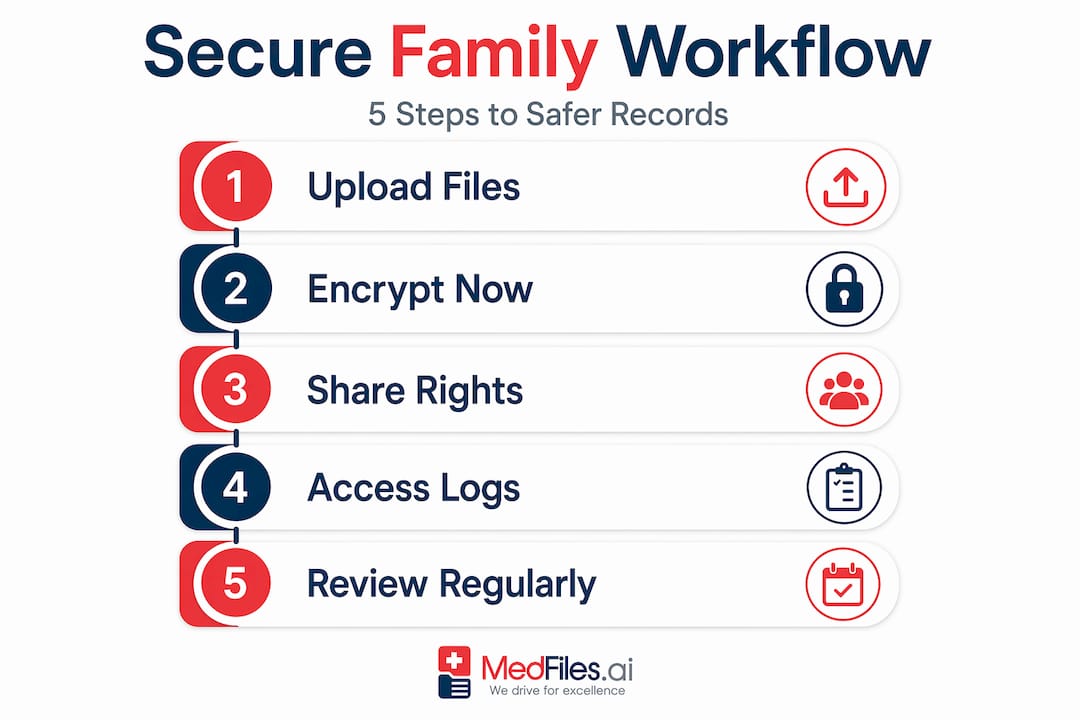
When you share records with a caregiver or specialist, always use privacy settings and access notifications so you know who viewed what and when. You can learn how to organize medical records for family access in a way that balances privacy with convenience.
Pro Tip: When sharing records with a caregiver, grant the minimum access needed. Share a specific document, not your entire health history.
With a solid understanding of personal security practices, let’s look at how specialized systems provide secure, user-controlled storage solutions for consumers.
Consumer-controlled health record systems: features and benefits
Consumer-controlled systems put you in the driver’s seat. Instead of your data sitting silently in a hospital’s system, these platforms let you decide who sees what, when they see it, and what they can do with it.
Key features of strong consumer-controlled medical record systems include:
- Granular access controls. You can restrict specific documents, like psychiatric notes or sensitive test results, while sharing general records freely.
- Access notifications. You receive alerts when someone views or uploads information, giving you real-time visibility into your records.
- 24/7 availability. Health emergencies do not follow business hours. These systems provide around-the-clock access to critical documents.
- Caregiver and provider sharing. You can grant a family doctor access for a specific appointment or allow a family member to view records permanently.
Australia’s My Health Record system is a real-world example of these principles at national scale. It allows individuals to manage privacy controls, restrict access to sensitive documents, and track who views their health information. It shows that consumer-controlled access is not just a feature; it is a design philosophy.
For families traveling internationally or managing care across multiple providers, this kind of portability and control is not a luxury. It is a safety net.
Understanding these systems’ capabilities clarifies why portability and access control are essential for families, especially when traveling or managing care across locations.
Ensuring portability and emergency access for families on the move
Portable medical records are only useful if the right person can access them at the right moment. That’s a harder problem than it sounds.
Kaiser Permanente’s Portable Electronic Medical Record flash drive shows one approach: a password-protected USB device preloaded with a patient’s health information, designed for travel and emergencies. It works without internet. But it has trade-offs.
| Storage option | Security | Portability | Emergency accessibility |
|---|---|---|---|
| USB flash drive | High (if encrypted) | High | High offline, depends on device availability |
| Cloud-based access | High (if encrypted) | Very high | Requires internet connection |
| National consumer record system | Very high | High | 24/7 if internet is available |
Each option has a role. The smartest families use more than one.
Here’s how to prepare portable medical records for travel or emergency:
- Identify your core documents. Blood type, allergies, current medications, chronic conditions, and emergency contacts are the essentials.
- Create a single summary document. A one-page health summary is faster to read in an emergency than a full file archive.
- Store securely in at least two formats. A cloud backup and an encrypted USB drive cover both connectivity scenarios.
- Password-protect everything. But make sure the password is not stored only in your head. Share it with a trusted person.
- Test access before you travel. Try opening your records on a different device to confirm everything works.
For detailed steps on organizing medical records securely before a trip, building this habit once pays off every time you travel.
Pro Tip: Write your emergency access instructions on a card and store it with your passport. Include the URL or app, your username, and who to contact for the password.
Now that we’ve covered practical storage and portability solutions, let’s consider how long-term organization and documentation supports security and compliance.
Maintaining long-term security and auditability of medical documents
Security is not a one-time setup. It requires ongoing attention, especially as your family’s health picture grows more complex over time.
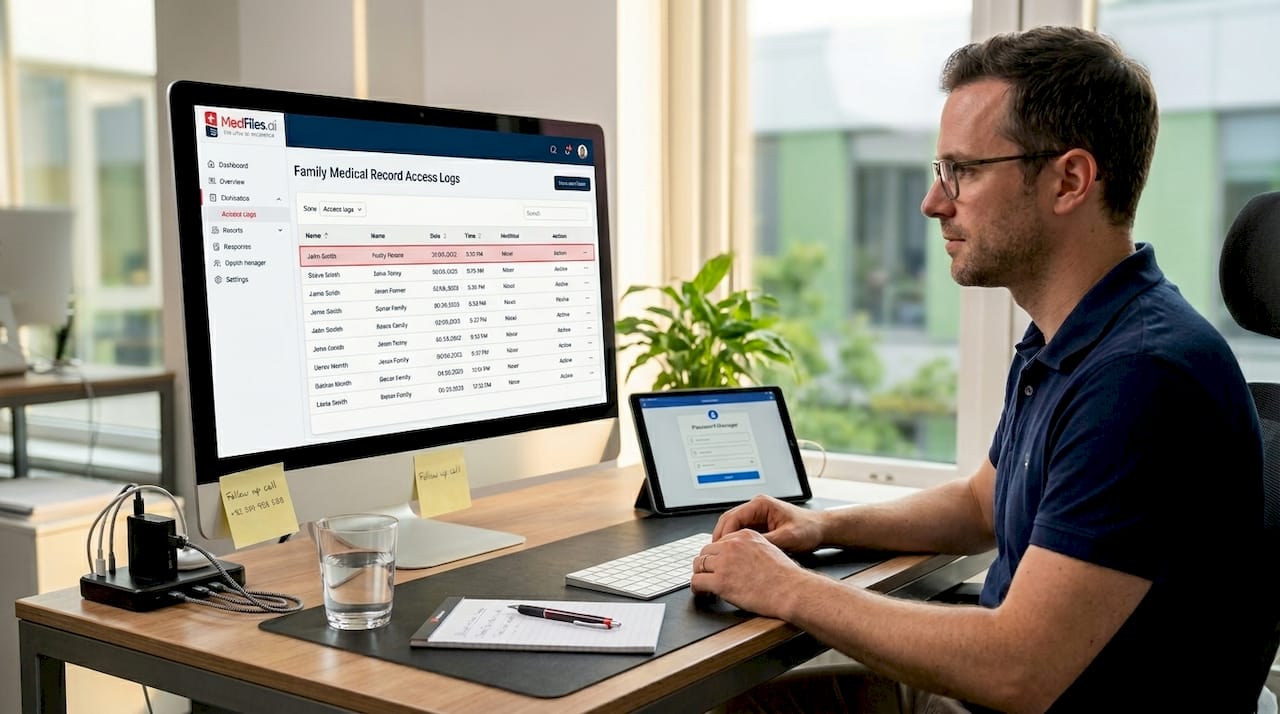
For healthcare organizations, HIPAA requires written security policies and procedures related to health information to be maintained and accessible for at least six years from creation or last revision. Families are not legally bound by HIPAA, but the logic applies: keeping records of how you manage your records protects you.
Practical long-term habits include:
- Document your security practices. Write down what tools you use, who has access, and what your backup schedule is.
- Review access lists quarterly. Remove people who no longer need access. A former caregiver should not retain access to your records.
- Update passwords after any security concern. If a device is lost or an account is compromised, change credentials immediately.
- Retain records long-term. Some records like surgical histories and immunizations are valuable for life. Do not delete them after a few years.
Here’s a practical table for families to model their recordkeeping:
| Task | Responsible person | Frequency |
|---|---|---|
| Review who has access | Primary account holder | Every 3 months |
| Back up all records | Primary account holder | Monthly |
| Update security passwords | Primary account holder | Every 6-12 months |
| Archive new documents | Family member adding records | After each appointment |
| Review retention needs | Primary account holder | Annually |
Learning how to maintain long-term medical records is part of taking ownership of your family’s health history. It is not complicated. But it does require consistency.
Pro Tip: Set a recurring calendar reminder twice a year to review your security practices. Treat it like a home fire drill. Boring until it is not.
Having reviewed how to maintain security over time, let’s explore a unique perspective on what secure medical document storage means for families beyond conventional wisdom.
A fresh perspective on secure medical document storage for families
Here’s the uncomfortable truth most guides skip: the biggest risk to your family’s medical records is not a hacker. It is you locking yourself out.
When security is prioritized over usability, families create systems so tight that nobody can access them in a crisis. A password nobody remembers. An encrypted drive that requires software no longer installed. A cloud account tied to an email address that expired. Emergency access failures are a real and underappreciated barrier when it matters most.
True security for families is not maximum restriction. It is controlled access. That means designing your system so that the right people can get in when they need to, without creating open doors for everyone else. This is a workflow problem as much as a technology problem.
The best families we’ve seen manage this by treating their medical records like emergency contact lists. Everyone in the household knows where they are. Trusted people outside the household have a way in. And that “way in” is tested before it is needed.
Think beyond apps and products. The product is only as useful as the protocol you’ve built around it. A platform with end-to-end encryption is worthless if your spouse cannot access your records because you never shared the login.
Your digital medical records workflow should be practiced, not just planned. That means running a mock emergency at least once. Can your partner access your records from their phone? Can your teenage child retrieve your allergy list without your help?
Pro Tip: Pre-plan emergency access procedures. Write them down. Tell two trusted people. Then test it.
How MedFiles.ai supports secure, family-friendly medical document management
If this guide has you thinking about gaps in your current setup, you are not alone. Most families are managing health records across email threads, paper folders, and disconnected apps. None of that is designed for security or emergencies.

MedFiles.ai is built specifically for this. It gives you encrypted storage, organized document management, and controlled sharing all in one place. You can store test results, prescriptions, imaging files, and reports. Share them securely with a doctor or a family member. Access them instantly from anywhere.
The patient-focused features include multi-profile management for your whole family, AI-powered document analysis, and privacy controls that let you decide exactly who sees what. Whether you are preparing for international travel or managing a parent’s chronic condition from another state, your records travel with you.
Flexible plans mean you only pay for what your family needs. Start free and scale up as your records grow.
Your entire medical history. In your pocket. Ready when it counts.
Frequently asked questions
What does secure medical document storage include beyond encryption?
It includes layered safeguards: administrative policies, physical device protection, and technical controls that together ensure confidentiality, data integrity, and authorized availability. Encryption is just one piece.
How can I securely store my family’s medical records at home?
Use encrypted digital files protected by strong passwords, organize records clearly with labeled folders, back them up to a secure second location, and never share documents over unsecured email.
How do portable medical records help during emergencies or travel?
They provide secure, accessible health information whether you’re online or offline, enabling authorized access when your regular providers are unavailable. Kaiser Permanente’s flash drive is a concrete example of this approach in action.
Are there national systems that let me control my medical records securely?
Yes. Australia’s My Health Record lets individuals manage privacy, control who accesses their information, and receive notifications when records are viewed, all under their direct control.
How long should medical document security policies and records be maintained?
HIPAA mandates that security-related documentation be retained for at least six years from creation or last revision, a practical standard families can adopt for their own long-term recordkeeping.